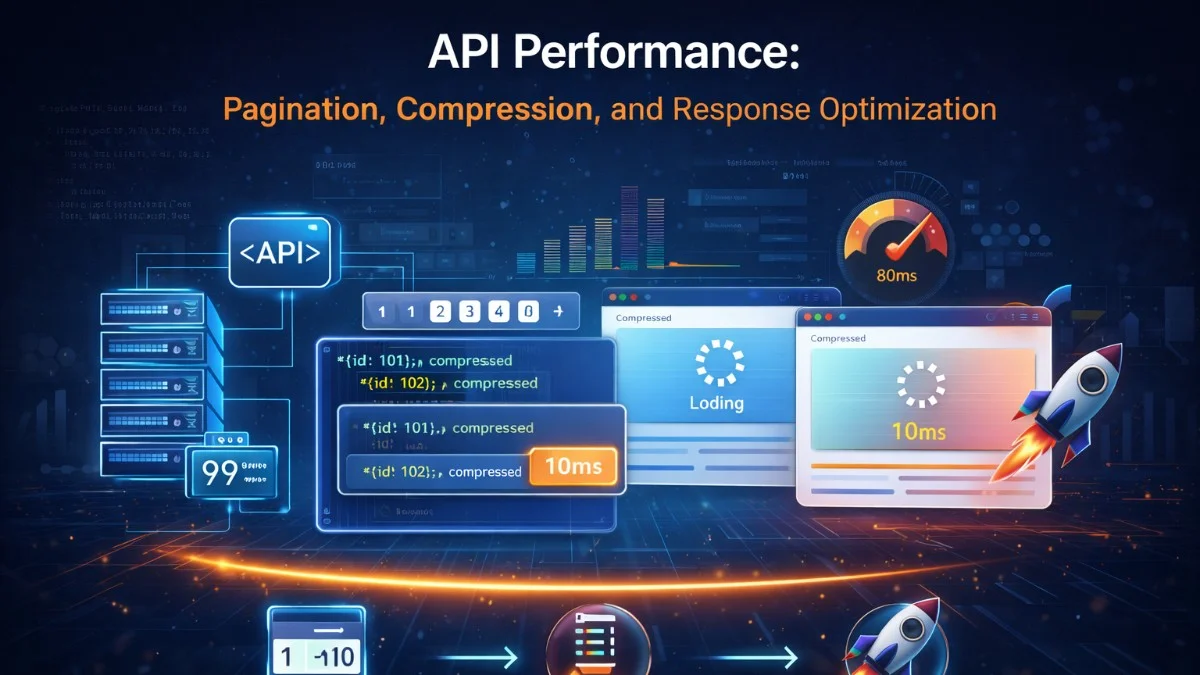
A slow API is a multiplicative problem. Every mobile app, frontend, and third-party integration that consumes your API inherits your performance. A 500ms API response adds 500ms to every operation that depends on it, often in chains.
Most API performance improvements fall into predictable categories: sending less data, compressing what you send, querying efficiently, and not making the client wait for more than they asked for.
Pagination: The Correct Approaches
Returning all records from a table is the classic API performance antipattern. A GET /api/users that returns 50,000 records will eventually cause timeouts as your database grows.
Offset Pagination
Offset pagination is the simplest approach and works well for small datasets:
GET /api/products?page=3&per_page=25

Response:
{
  "data": [...],
  "meta": {
    "current_page": 3,
    "per_page": 25,
    "total": 1847,
    "last_page": 74,
    "from": 51,
    "to": 75
  },
  "links": {
    "first": "/api/products?page=1&per_page=25",
    "prev":  "/api/products?page=2&per_page=25",
    "next":  "/api/products?page=4&per_page=25",
    "last":  "/api/products?page=74&per_page=25"
  }
}
The database query:
SELECT * FROM products
ORDER BY id
LIMIT 25 OFFSET 50;  -- page 3: skip 50 rows
Problem: As offset grows, performance degrades. OFFSET 100000 means the database scans and discards 100,000 rows before returning your 25. On a 1M row table, page 40,000 can take seconds.
Cursor Pagination (Keyset Pagination)
Cursor pagination avoids OFFSET entirely by using a stable pointer to the last seen record:
Initial request:
GET /api/products?limit=25

Response:
{
  "data": [...],
  "pagination": {
    "has_more": true,
    "next_cursor": "eyJpZCI6MjV9"  // Base64-encoded {"id": 25}
  }
}

Next page:
GET /api/products?limit=25&cursor=eyJpZCI6MjV9
-- Efficient regardless of how deep in the dataset you are
SELECT * FROM products
WHERE id > 25          -- cursor value, uses index
ORDER BY id
LIMIT 25;
In Laravel:
public function index(Request $request): JsonResponse
{
    $cursor = $request->query('cursor');
    $limit  = min((int) $request->query('limit', 25), 100);

    $query = Product::query()
        ->where('is_active', true)
        ->orderBy('id');

    if ($cursor) {
        $decoded = json_decode(base64_decode($cursor), true);
        $query->where('id', '>', $decoded['id']);
    }

    $products = $query->limit($limit + 1)->get();
    $hasMore  = $products->count() > $limit;

    if ($hasMore) {
        $products->pop();  // Remove the extra item
    }

    $nextCursor = $hasMore
        ? base64_encode(json_encode(['id' => $products->last()->id]))
        : null;

    return response()->json([
        'data'       => ProductResource::collection($products),
        'pagination' => [
            'has_more'    => $hasMore,
            'next_cursor' => $nextCursor,
        ]
    ]);
}
Cursor pagination is O(1) regardless of depth and works perfectly for infinite scroll UIs. Drawback: clients can't jump to page 40 directly.
When to Use Each
Offset pagination: Admin interfaces, small datasets (< 10K rows), when users need to jump to specific pages
Cursor pagination:  Feeds, activity streams, large datasets, infinite scroll, real-time data
Response Compression
HTTP compression is often the single highest-leverage API optimization. JSON responses are highly compressible — compression ratios of 5:1 to 10:1 are common.
Enable Gzip/Brotli at the Server Level
# Nginx: enable compression
http {
    gzip on;
    gzip_vary on;
    gzip_proxied any;
    gzip_comp_level 6;   # 1-9, higher = smaller but more CPU
    gzip_min_length 256; # Don't compress tiny responses
    gzip_types
        application/json
        application/javascript
        text/css
        text/plain
        text/xml
        application/xml;

    # Brotli (better compression than gzip)
    brotli on;
    brotli_comp_level 4;
    brotli_types
        application/json
        text/css
        application/javascript;
}
# Verify compression is working
curl -s -H 'Accept-Encoding: gzip, br' \
  -o /dev/null \
  -w 'Response size: %{size_download} bytes\nContent-Encoding: %{content_type}\n' \
  https://api.example.com/products

# Compare compressed vs uncompressed
curl https://api.example.com/products | wc -c        # Compressed
curl --compressed https://api.example.com/products | wc -c  # Decompressed
Response Shaping: Only Send What's Needed
Fat API responses waste bandwidth and serialization time. Give clients control over what fields they receive.
Sparse Fieldsets
Allow clients to request only the fields they need:
GET /api/products?fields=id,name,price,inventory_count

Instead of returning all 30 fields, return only the 4 requested.
class ProductController extends Controller
{
    public function index(Request $request): JsonResponse
    {
        $allowedFields = ['id', 'name', 'slug', 'price', 'sku',
                          'inventory_count', 'category_id', 'created_at'];

        $requestedFields = array_intersect(
            explode(',', $request->query('fields', implode(',', $allowedFields))),
            $allowedFields
        );

        $products = Product::select($requestedFields)
            ->where('is_active', true)
            ->paginate(25);

        return response()->json($products);
    }
}
Eager Loading to Prevent N+1
A 100-product list that lazy-loads categories makes 101 queries. This is the most common API performance bug:
// N+1 problem: 1 query for products + 1 per product for category
$products = Product::all();
foreach ($products as $product) {
    echo $product->category->name;  // New query each time
}

// Fixed: eager load relationships
$products = Product::with(['category', 'images', 'tags'])->paginate(25);
// 1 query for products + 1 for categories + 1 for images + 1 for tags = 4 total
Use query logging during development to catch N+1 queries before they reach production:
// AppServiceProvider: log all queries in development
if (app()->environment('local')) {
    DB::listen(function ($query) {
        if ($query->time > 100) {
            Log::warning('Slow query: ' . $query->sql, [
                'time'     => $query->time,
                'bindings' => $query->bindings,
            ]);
        }
    });
}
ETags and Conditional Requests
For resources that don't change often, allow clients to skip downloading unchanged responses:
public function show(Request $request, Product $product): Response
{
    $etag = md5($product->updated_at->timestamp . $product->id);

    // Client sends If-None-Match: "abc123"
    if ($request->header('If-None-Match') === $etag) {
        return response('', 304);  // Not Modified — no body sent
    }

    return response()->json(new ProductResource($product))
        ->header('ETag', $etag)
        ->header('Cache-Control', 'private, must-revalidate');
}
The client caches the response and sends its ETag on the next request. If the product hasn't changed, the server returns 304 with no body — saving the bandwidth and serialization cost of the full response.
Efficient Serialization
JSON serialization can become a bottleneck for large responses. Profile before assuming this is an issue, but when it is:
Use Efficient JSON Libraries
# Python: orjson is significantly faster than stdlib json
import orjson

# Instead of:
import json
return json.dumps(data)

# Use:
import orjson
return orjson.dumps(data)  # 2-5x faster, handles datetimes natively
Avoid Serializing Unused Data
// Laravel Resource: be explicit about what you serialize
class ProductResource extends JsonResource
{
    public function toArray(Request $request): array
    {
        return [
            'id'          => $this->id,
            'name'        => $this->name,
            'price'       => $this->price,
            'slug'        => $this->slug,
            // Only include these if client requests them
            'description' => $this->when(
                $request->query('include_description'),
                $this->description
            ),
            // Only include relationships if they were eager-loaded
            'category'    => new CategoryResource($this->whenLoaded('category')),
            'images'      => ImageResource::collection($this->whenLoaded('images')),
        ];
    }
}
whenLoaded prevents serializing a relationship if it wasn't loaded, avoiding the N+1 while also keeping the serialized output lean.
Response Caching for Public APIs
// Cache public API responses at the application layer
public function getPublicProducts(Request $request): JsonResponse
{
    $cacheKey = 'api:products:' . md5($request->getQueryString());

    $response = Cache::remember($cacheKey, now()->addMinutes(5), function () use ($request) {
        return [
            'data'  => ProductResource::collection(
                Product::with('category')
                    ->where('is_active', true)
                    ->paginate(25)
            ),
            'meta'  => [...]
        ];
    });

    return response()->json($response)
        ->header('X-Cache', Cache::has($cacheKey) ? 'HIT' : 'MISS')
        ->header('Cache-Control', 'public, max-age=300, s-maxage=300');
}
HTTP/2 and Connection Optimization
HTTP/2 multiplexes requests over a single connection, eliminating the connection overhead that HTTP/1.1 creates with parallel requests:
# Enable HTTP/2 in Nginx
server {
    listen 443 ssl http2;
    # HTTP/2 is enabled — clients can make parallel requests
    # over a single connection
}
HTTP/2 also enables Server Push for APIs used by web frontends:
// Push related resources the client will need
header('Link: </api/products/1/images>; rel=preload; as=fetch', false);
header('Link: </api/products/1/reviews>; rel=preload; as=fetch', false);
Measuring API Performance
Track these at the P50 and P99 level per endpoint:
Metrics to track:
  Response time (total, by endpoint)
  Time to first byte (TTFB)
  Response payload size (before and after compression)
  Error rate by status code
  Cache hit rate
  Database query count per request
  Database query time per request
  Downstream service call time
# Quick performance test with wrk
wrk -t4 -c100 -d30s --latency https://api.example.com/products

# Output:
# Running 30s test
# 4 threads and 100 connections
# Thread Stats   Avg      Stdev     Max   +/- Stdev
#   Latency    45.23ms  12.47ms  285ms   89.32%
#   Req/Sec   543.22    48.34   670.00   75.08%
# Latency Distribution
#    50%   42.18ms
#    75%   48.92ms
#    90%   62.14ms
#    99%   98.47ms
The P99 is what your most affected users experience. Optimizing P50 without improving P99 often leaves the users who complain the loudest still unsatisfied.
Building something that needs to scale? We help teams architect systems that grow with their business. scopeforged.com