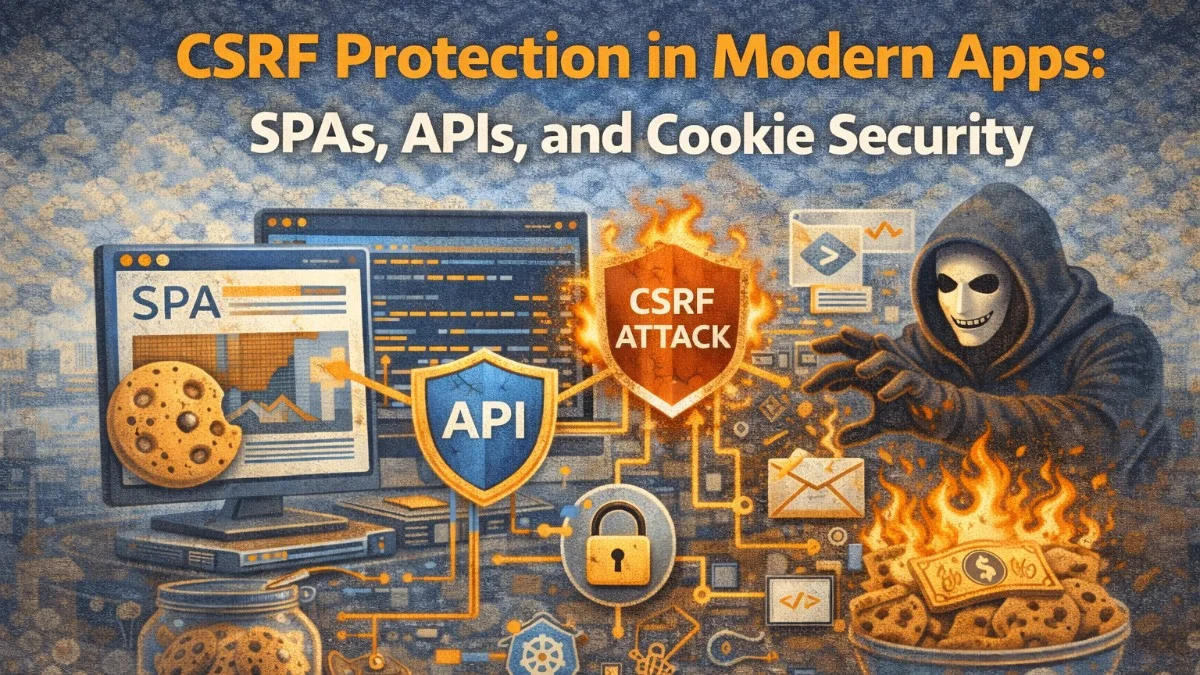
Cross-Site Request Forgery (CSRF) attacks trick an authenticated user's browser into making an unintended request to your application. The attack exploits the fact that browsers automatically attach cookies to requests — including authentication cookies — regardless of which website initiated the request.
In 2010, CSRF was a top-10 OWASP vulnerability primarily affecting server-rendered web forms. In 2025, the attack surface has shifted: SPAs, API-first architectures, and cookie configuration options have changed what CSRF protection looks like and where it matters.
How CSRF Works
Consider a banking application that processes transfers via a POST request:
POST /transfer HTTP/1.1
Host: bank.example.com
Cookie: session=abc123

amount=1000&to_account=9876543210
An attacker creates a malicious page with this hidden form:
<form action="https://bank.example.com/transfer" method="POST" id="csrf-form">
    <input type="hidden" name="amount" value="1000">
    <input type="hidden" name="to_account" value="attacker-account">
</form>
<script>
    document.getElementById('csrf-form').submit();
</script>
When an authenticated bank user visits the attacker's page, their browser submits the form — including the session cookie. The bank sees an authenticated request and processes the transfer.
Traditional CSRF Protection: Synchronizer Token Pattern
The classic defense generates a unique, unpredictable token on the server side and requires that token to be included in every state-changing request. Since the attacker's site cannot read your cookies (cross-origin restrictions), they cannot get the token.
Laravel implements this automatically for web routes:
// Laravel generates and validates CSRF tokens via the VerifyCsrfToken middleware
// The token is stored in the session and available in Blade templates
<form method="POST" action="/transfer">
    @csrf {{-- Generates <input type="hidden" name="_token" value="..." /> --}}
    <input type="text" name="amount">
    <button type="submit">Transfer</button>
</form>
The VerifyCsrfToken middleware checks that the token in the form matches the token in the session. An attacker cannot forge this because they cannot read the session token from another origin.
CSRF and SPAs: The Cookie-to-Header Token Pattern
SPAs do not submit HTML forms — they make XHR or fetch requests with JSON bodies. The synchronizer token pattern still applies, but the delivery mechanism changes.
Laravel Sanctum implements the "cookie-to-header" pattern:
- The SPA visits a cookie endpoint to get a CSRF token set in a cookie
- JavaScript reads the cookie value (the CSRF cookie is readable by JavaScript, unlike the auth cookie)
- JavaScript includes the token as a request header
- The server validates the header value matches the cookie value
// Step 1: Initialize CSRF protection before any state-changing requests
async function initializeCsrf() {
    await fetch('https://your-app.com/sanctum/csrf-cookie', {
        method: 'GET',
        credentials: 'include', // Include cookies in cross-origin requests
    });
    // This sets the XSRF-TOKEN cookie
}

// Step 2: Read the cookie and include in subsequent requests
function getCsrfToken() {
    return document.cookie
        .split('; ')
        .find(row => row.startsWith('XSRF-TOKEN='))
        ?.split('=')[1]
        ?? null;
}

async function apiPost(url, data) {
    const csrfToken = getCsrfToken();

    return fetch(url, {
        method: 'POST',
        credentials: 'include',
        headers: {
            'Content-Type': 'application/json',
            'X-XSRF-TOKEN': decodeURIComponent(csrfToken), // Laravel reads this header
        },
        body: JSON.stringify(data),
    });
}
Axios does this automatically when configured for cross-site requests:
import axios from 'axios';

axios.defaults.withCredentials = true;
axios.defaults.withXSRFToken = true;
// Axios automatically reads XSRF-TOKEN cookie and sends it as X-XSRF-TOKEN header

// Initialize CSRF before mounting your app
await axios.get('/sanctum/csrf-cookie');
This pattern works because cross-site requests cannot read cookies from your domain. An attacker's page cannot read your XSRF-TOKEN cookie and therefore cannot set the header.
Pure API Backends: Is CSRF Still Relevant?
If your API only accepts requests with Content-Type: application/json and authentication via Authorization: Bearer header (not cookies), CSRF is largely not a concern. Cross-site requests cannot set arbitrary headers and cannot send application/json bodies via HTML forms.
However, if your API uses cookies for authentication (session cookies, HttpOnly auth cookies), CSRF is very much relevant to your API.
A simple check: ask yourself "can a browser send this request automatically via a form submission or <img src> tag?" If yes, you need CSRF protection.
The SameSite Cookie Attribute
The SameSite cookie attribute is now the first line of CSRF defense for modern browsers. It controls when cookies are sent on cross-site requests:
// Setting cookies in PHP/Laravel with SameSite
return response()->json($data)
    ->cookie(
        name: 'auth_token',
        value: $token,
        minutes: 60,
        path: '/',
        domain: '',
        secure: true,
        httpOnly: true,
        sameSite: 'Strict', // Never sent on cross-site requests
    );
SameSite=Strict: The cookie is only sent when navigating within the same site. Cross-site requests — including clicking a link from another site — do not include the cookie. This is the strongest setting but can cause usability issues (clicking a link from an email to your app won't include the cookie).
SameSite=Lax: The cookie is sent on same-site requests and top-level cross-site navigation (clicking a link), but not on cross-site form submissions or subrequests (fetch/XHR). This is the modern browser default and provides good CSRF protection while preserving usability.
SameSite=None: The cookie is sent on all cross-site requests. Required for legitimate cross-site usage (embedded iframes, OAuth flows, third-party integrations). Must be paired with Secure.
Configure session cookies in Laravel:
// config/session.php
'same_site' => 'lax',  // 'strict', 'lax', or 'none'
'secure' => true,      // Required for SameSite=None, recommended always
CSRF in Multi-Domain and Subdomain Architectures
Cross-subdomain CSRF is often overlooked. If your app is on app.example.com and you allow cookies on .example.com, any subdomain — including a compromised or attacker-controlled evil.example.com — can set cookies on the parent domain, potentially poisoning your CSRF tokens.
For multi-tenant applications where tenants might have their own subdomains:
// Be explicit about cookie domain — never use the wildcard parent domain
return response()->json($data)
    ->cookie(
        name: 'auth_token',
        value: $token,
        minutes: 60,
        domain: 'app.example.com', // Specific subdomain, NOT .example.com
        secure: true,
        httpOnly: true,
        sameSite: 'Strict',
    );
For same-origin SPA + API on the same domain:
# Nginx: API and SPA served from same domain
server {
    server_name app.example.com;

    # SPA static files
    location / {
        root /var/www/spa/dist;
        try_files $uri $uri/ /index.html;
    }

    # API proxied to Laravel backend
    location /api {
        proxy_pass http://localhost:8000;
    }
}
When the SPA and API share an origin, SameSite=Lax or Strict prevents CSRF without needing a token at all for most scenarios.
Checking CSRF Token Implementation
Verify your CSRF protection is actually working:
# Test that state-changing requests without CSRF token are rejected
curl -X POST https://your-app.com/api/transfer \
  -H "Content-Type: application/json" \
  -b "session=valid_session_cookie" \
  -d '{"amount": 100}'
# Should return 419 (CSRF token mismatch) or 401

# Test that the CSRF endpoint works
curl -c cookies.txt https://your-app.com/sanctum/csrf-cookie
cat cookies.txt  # Should contain XSRF-TOKEN cookie
For automated testing:
// In Laravel Feature tests, CSRF is bypassed by default
// To test that CSRF protection works, use the WithoutMiddleware trait selectively
class CsrfTest extends TestCase
{
    public function test_request_without_csrf_token_is_rejected(): void
    {
        // Disable the WithoutMiddleware override for this specific test
        $this->withMiddleware();

        $user = User::factory()->create();

        $response = $this->actingAs($user)
            ->postJson('/api/transfer', ['amount' => 100]);

        // Without CSRF token and using cookie auth, should be rejected
        $response->assertStatus(419);
    }
}
When to Use Which Protection
| Setup | Recommended CSRF Protection |
|---|---|
| Server-rendered forms (Blade) | Synchronizer token (@csrf) |
| SPA + same origin API | SameSite=Lax + Sanctum CSRF cookie |
| SPA + cross-origin API with cookies | SameSite=None + Sanctum CSRF cookie |
| API with Bearer token auth only | No CSRF protection needed |
| API with cookie auth | SameSite=Strict or Lax; CSRF token for older browsers |
CSRF protection is not optional for any application that uses cookies for authentication. The good news is that modern browser defaults (SameSite=Lax) and well-designed frameworks (Laravel Sanctum, Django, Rails) make it straightforward to implement correctly.
Building secure, reliable systems? We help teams deliver software they can trust. scopeforged.com