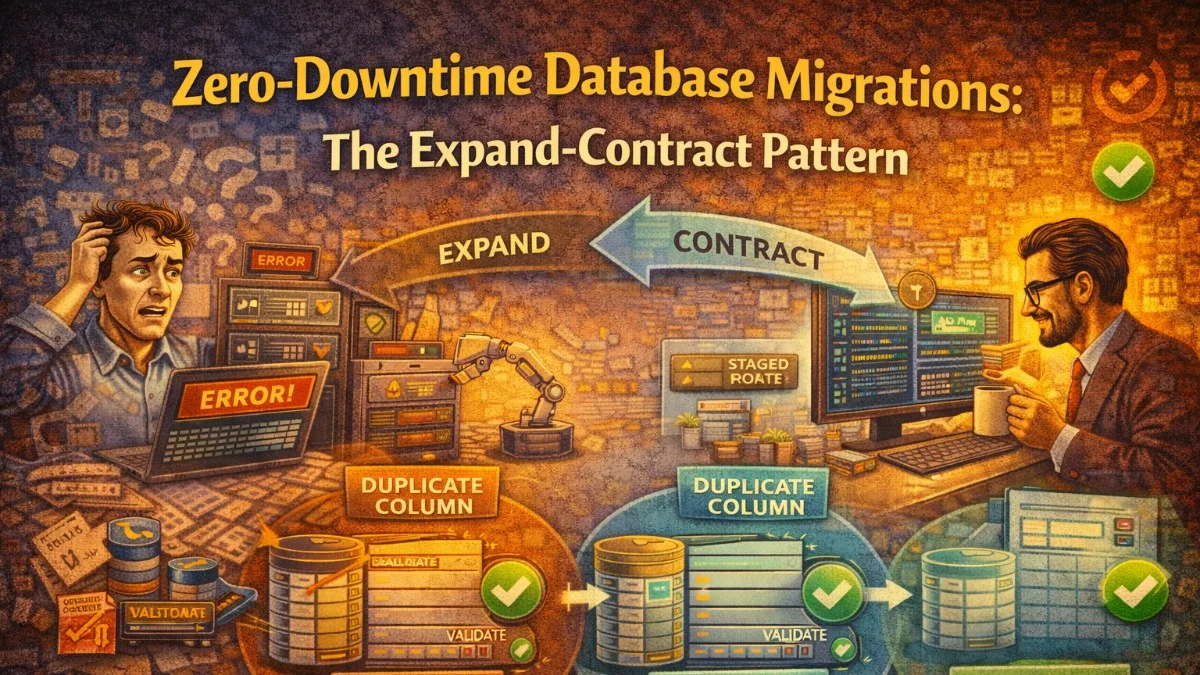
Every team eventually runs a migration that locks a table, causes a timeout cascade, or forces a maintenance window. Sometimes it's a column rename on a high-traffic table. Sometimes it's adding a NOT NULL column to a table with millions of rows. Whatever the trigger, the result is the same: your application is down, your users are angry, and your team is stressed.
The expand-contract pattern (sometimes called parallel change) solves this by breaking dangerous schema changes into safe, incremental steps that can be deployed without downtime.
Why Migrations Cause Downtime
Relational databases acquire locks when modifying schema. The severity depends on the database and the operation:
ALTER TABLE ... ADD COLUMNwith a default in older MySQL (pre-8.0) rewrites the entire table, locking it for reads and writes throughout.RENAME COLUMNin any database causes every query that references the old name to break immediately.ADD NOT NULL COLUMNwithout a default fails on any existing row that doesn't provide a value.DROP COLUMNcan cause application errors before code is deployed if the code still references the column, or after deployment if old code is still running.
Even in databases with better online DDL (Postgres, MySQL 8+), large tables can still cause multi-second or multi-minute locks during certain operations.
The fundamental problem is coupling your schema change to your deployment. If both happen at the same time, you have a window where either old or new code is running against the wrong schema.
The Expand-Contract Pattern
Expand-contract separates schema changes from code changes across multiple deployments:
- Expand: Add new schema elements (columns, tables, indexes) alongside existing ones. Old and new code both work.
- Migrate: Backfill data to populate the new schema.
- Contract: Remove old schema elements after all code has moved to the new structure.
This turns one risky deployment into three safe ones.
Worked Example: Renaming a Column
Renaming users.full_name to users.display_name on a live system is the canonical dangerous migration. Here's how to do it safely.
Step 1: Expand — Add the New Column
Add display_name without removing full_name. At this point, the application still reads and writes full_name exclusively.
-- Migration 001: Add new column
ALTER TABLE users ADD COLUMN display_name VARCHAR(255) NULL;
This is safe. Adding a nullable column with no default is instant in most databases and does not lock the table.
Step 2: Dual-Write — Update Application Code
Deploy code that writes to both columns and reads from the new one, falling back to the old one if the new one is empty.
// In your User model
public function getDisplayNameAttribute(): string
{
    return $this->attributes['display_name']
        ?? $this->attributes['full_name']
        ?? '';
}

// Whenever you save the model, write both
public function setDisplayNameAttribute(string $value): void
{
    $this->attributes['display_name'] = $value;
    $this->attributes['full_name'] = $value; // Keep in sync during transition
}
With this code deployed, all new writes go to both columns. Existing rows still have null display_name.
Step 3: Backfill — Migrate Existing Data
Backfill historical rows in batches to avoid locking the table. Never do this in a single UPDATE without chunking.
// Run as an artisan command or queued job
public function handle(): void
{
    $batchSize = 1000;
    $lastId = 0;

    do {
        $updated = DB::table('users')
            ->where('id', '>', $lastId)
            ->whereNull('display_name')
            ->whereNotNull('full_name')
            ->orderBy('id')
            ->limit($batchSize)
            ->get(['id', 'full_name']);

        foreach ($updated as $user) {
            DB::table('users')
                ->where('id', $user->id)
                ->update(['display_name' => $user->full_name]);
            $lastId = $user->id;
        }

        // Brief pause to avoid overwhelming the database
        if ($updated->count() === $batchSize) {
            usleep(50000); // 50ms
        }
    } while ($updated->count() === $batchSize);

    $this->info('Backfill complete.');
}
Chunked backfills keep lock duration short (row-level locks only for the batch being updated). The sleep prevents the backfill from consuming all database resources during peak hours.
Step 4: Verify — Confirm Parity
Before dropping the old column, verify that display_name is populated for all rows that had full_name.
SELECT COUNT(*) FROM users
WHERE full_name IS NOT NULL AND display_name IS NULL;
-- Should return 0
Also add a NOT NULL constraint to the new column at this point if appropriate:
ALTER TABLE users ALTER COLUMN display_name SET NOT NULL;
Step 5: Contract — Remove Old Column
Once all code is reading from display_name only and the backfill is verified, stop writing to full_name and remove it in a subsequent deployment.
// Remove the dual-write, keep only display_name
public function setDisplayNameAttribute(string $value): void
{
    $this->attributes['display_name'] = $value;
    // full_name write removed
}
Then the final migration:
-- Migration 003: Drop old column
ALTER TABLE users DROP COLUMN full_name;
This final drop is now safe because no running code references full_name.
Adding a NOT NULL Column to a Large Table
Another classic problem: you need to add a column that cannot be null. If you do it naively on a table with millions of rows, the database must set the default value on every row, locking the table for minutes.
The Safe Approach
Step 1: Add as nullable
ALTER TABLE orders ADD COLUMN risk_score SMALLINT NULL;
Step 2: Backfill in batches
DB::table('orders')
    ->whereNull('risk_score')
    ->orderBy('id')
    ->chunkById(500, function ($orders) {
        foreach ($orders as $order) {
            $score = $this->riskEngine->score($order);
            DB::table('orders')
                ->where('id', $order->id)
                ->update(['risk_score' => $score]);
        }
    });
Step 3: Add the NOT NULL constraint after backfill
In PostgreSQL, you can add a NOT NULL constraint with a CHECK constraint that is validated in the background without a full table rewrite:
-- Postgres: Add constraint without full table lock
ALTER TABLE orders
    ADD CONSTRAINT orders_risk_score_not_null
    CHECK (risk_score IS NOT NULL)
    NOT VALID;

-- Validate in background (takes ShareUpdateExclusiveLock, not full lock)
ALTER TABLE orders VALIDATE CONSTRAINT orders_risk_score_not_null;

-- Then change the column definition
ALTER TABLE orders ALTER COLUMN risk_score SET NOT NULL;
ALTER TABLE orders DROP CONSTRAINT orders_risk_score_not_null;
In MySQL 8.0+, the ALTER TABLE ... ALGORITHM=INPLACE, LOCK=NONE hint can achieve similar results for some operations.
Adding Indexes Without Locking
Adding an index on a busy table takes a full table lock by default. Most modern databases support concurrent or online index creation.
-- PostgreSQL: Create index concurrently (no table lock)
CREATE INDEX CONCURRENTLY idx_orders_customer_id ON orders(customer_id);

-- MySQL: Add index online (default in MySQL 8.0 for most cases)
ALTER TABLE orders ADD INDEX idx_orders_customer_id (customer_id),
    ALGORITHM=INPLACE, LOCK=NONE;
Concurrent index creation is slower and can fail if a conflicting operation occurs, but it never blocks reads or writes. Always prefer it in production.
Foreign Key Changes
Foreign keys require care because they imply index creation and constraint validation.
-- Step 1: Add the column as nullable
ALTER TABLE orders ADD COLUMN fulfillment_center_id INT NULL;

-- Step 2: Create the index concurrently
CREATE INDEX CONCURRENTLY idx_orders_fulfillment_center
    ON orders(fulfillment_center_id);

-- Step 3: Add the foreign key constraint (validates existing data)
ALTER TABLE orders
    ADD CONSTRAINT fk_orders_fulfillment_center
    FOREIGN KEY (fulfillment_center_id)
    REFERENCES fulfillment_centers(id);

-- (Backfill and then make NOT NULL in a later step)
In PostgreSQL, you can use NOT VALID to skip validation of existing rows, then validate separately:
ALTER TABLE orders
    ADD CONSTRAINT fk_orders_fulfillment_center
    FOREIGN KEY (fulfillment_center_id)
    REFERENCES fulfillment_centers(id)
    NOT VALID;

ALTER TABLE orders VALIDATE CONSTRAINT fk_orders_fulfillment_center;
Tooling and Automation
Several tools can help enforce safe migrations:
- gh-ost (GitHub): Online Schema Change tool for MySQL. It shadows the ALTER on a ghost table and swaps atomically.
- pt-online-schema-change (Percona): Similar approach with trigger-based replication.
- squawk: Linting tool for PostgreSQL migrations. Flags dangerous operations in your SQL files.
- Flyway / Liquibase: Migration management with support for versioned and repeatable migrations.
For Laravel specifically, consider adding a CI check that runs squawk or a custom lint script against every new migration file before it reaches production.
A Practical Checklist
Before running any migration in production, answer these:
- Does this operation lock the table? For how long?
- Is my application code deployed and compatible with both the old and new schema?
- Have I tested this on a production-size dataset in staging?
- Is there a rollback plan if something goes wrong mid-migration?
- Am I backfilling in batches, not in a single statement?
- Did I add the index concurrently, not inline with the column?
The Key Mindset Shift
The expand-contract pattern asks you to think of database migrations and code deployments as independent concerns. A migration is not "the deployment"; it is a separate operation that can run before, during, or after a deployment.
This separation is what gives you zero downtime. Old code and new code both work against the schema during the transition. Neither is forced to operate against something it doesn't understand.
It takes more coordination and more migrations, but the alternative is production incidents during your most critical deployments.
Tackling complex architecture decisions? We help teams build systems that last. scopeforged.com