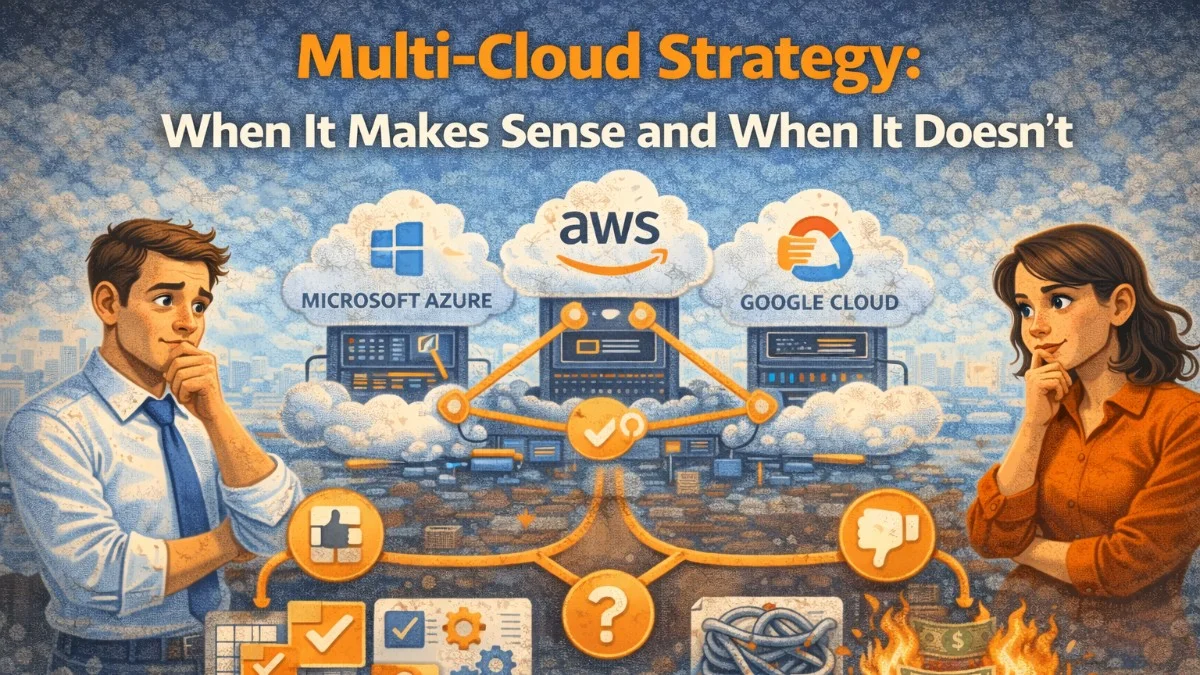
Multi-cloud is one of those strategies that sounds unambiguously good in a board presentation. Vendor independence, best-of-breed services, resilience against cloud provider outages — what's not to like?
The reality is more complicated. Multi-cloud done right is genuinely valuable. Multi-cloud done carelessly is expensive, complex, and ironically more fragile than a well-executed single-cloud strategy.
Let's work through the trade-offs honestly.
What People Mean by "Multi-Cloud"
The term covers very different architectural patterns:
Active-Active Multi-Cloud
Your application runs simultaneously across AWS and GCP (for example), with traffic split between them. This provides the highest resilience and theoretically eliminates cloud provider lock-in.
Active-Passive Multi-Cloud
Primary workloads run on one cloud. A secondary cloud sits ready for failover, potentially with replicated data. You only use it when the primary has problems.
Workload-Segmented Multi-Cloud
Different services run on different clouds based on where they're strongest. ML training on GCP because of TPUs, customer-facing on AWS because of global CloudFront reach, video processing on Azure because of your existing Microsoft licensing.
SaaS-Integration Multi-Cloud
Your core infrastructure is single-cloud, but you integrate with cloud-native SaaS services that happen to run on other providers. This is what most companies actually do.
Each of these has a very different cost-benefit profile.
When Multi-Cloud Actually Makes Sense
Regulatory Requirements
Some industries have explicit requirements about data residency or provider diversification. Financial services in certain regions, government contracts, healthcare data in some jurisdictions. If a regulator or contract requires it, the decision is made for you.
Specific Service Superiority
When one cloud genuinely offers a service that is materially better for your use case, it may be worth the complexity:
GCP BigQuery    → Petabyte-scale analytics at low cost
AWS SageMaker   → ML model deployment and inference
Azure AD        → Enterprise identity when customers use Microsoft
Cloudflare      → Edge computing closer to users than any single cloud
The key word is "materially better" — not marginally better with different syntax. The improvement needs to justify the operational complexity of running across multiple clouds.
Negotiating Leverage
A credible multi-cloud capability changes your position in contract negotiations. Cloud providers discount significantly when you demonstrate you're not locked in. If you're spending $2M+/year on cloud, this leverage can be worth millions in savings — even if you never actually run workloads on the secondary cloud.
Acquisition-Driven Heterogeneity
You acquired a company that runs on Azure. Your core business runs on AWS. Migrating everything to one cloud takes 18 months and significant risk. Running multi-cloud temporarily while you migrate is completely rational.
When Multi-Cloud Is the Wrong Choice
Early-Stage Companies
If you're pre-product-market-fit or a small team, multi-cloud will consume engineering time that should go into the product. Single-cloud with good practices is almost always right here.
The cloud provider risk is overstated for most businesses. Major cloud providers have extraordinary uptime records. AWS's S3 SLA is 99.9% — that's 8.7 hours of downtime per year. Most businesses have far more downtime from their own code.
When the Team Lacks Cloud Depth
Multi-cloud requires expertise across multiple platforms. If your team is already stretched learning AWS deeply, adding GCP doesn't double your capability — it distributes your learning across two systems and halves your depth in each.
A strong single-cloud team will outperform a weak multi-cloud team every time.
When Costs Are a Concern
Multi-cloud costs more. Not a little more — often significantly more:
Cost drivers of multi-cloud:
- Egress fees when data moves between clouds
- Duplicate tooling and licensing
- Separate monitoring, security, and compliance stacks
- Engineering time to maintain abstractions
- More complex debugging and incident response
- Training for multiple platforms
Analysis by multiple organizations consistently shows that egress fees alone can add 20-40% to cloud bills when running active-active across providers.
The Lock-In Question
Vendor lock-in is the most commonly cited reason for multi-cloud, and it's frequently misunderstood.
What Actually Locks You In
High lock-in risk:
- Proprietary managed databases (DynamoDB, Cosmos DB, Firestore)
- Cloud-native serverless (Lambda, Cloud Functions, Azure Functions)
- Proprietary ML services with custom APIs
- Cloud-specific networking constructs

Low lock-in risk:
- Compute (EC2, GCE — they're all VMs)
- Kubernetes (largely portable with care)
- Standard databases (RDS PostgreSQL, Cloud SQL — both are Postgres)
- Object storage (S3-compatible APIs are everywhere)
- Standard queueing (SQS vs Pub/Sub are different but not that different)
You can reduce lock-in significantly without going multi-cloud by choosing services with open standards. Running PostgreSQL on RDS locks you in to the RDS service, not to AWS — migrating to Cloud SQL or a self-hosted PostgreSQL is straightforward.
The Hidden Abstraction Tax
Teams trying to stay cloud-agnostic often build abstraction layers:
# Instead of using cloud-native services directly...
from myapp.storage import ObjectStorage  # Our abstraction

storage = ObjectStorage()
storage.put("key", data)  # Works on S3 or GCS

# Behind the scenes:
class ObjectStorage:
    def put(self, key, data):
        if settings.CLOUD == "aws":
            self.s3_client.put_object(Bucket=self.bucket, Key=key, Body=data)
        elif settings.CLOUD == "gcp":
            blob = self.bucket_ref.blob(key)
            blob.upload_from_string(data)
This abstraction looks reasonable. In practice, it:
- Constrains you to the common denominator of both APIs
- Prevents you from using advanced features of either
- Adds a maintenance burden forever
- Rarely gets tested against the secondary cloud
- Usually doesn't actually work when you try to switch
The portability you paid for often isn't there when you need it.
If You Do Go Multi-Cloud: Practical Architecture
If the business case is solid, here's how to execute it well.
Build on Open Standards
Choose services that have broadly adopted APIs:
# Kubernetes: runs on any cloud
apiVersion: apps/v1
kind: Deployment
metadata:
  name: api
spec:
  replicas: 3
  template:
    spec:
      containers:
        - name: api
          image: myorg/api:1.0.0
          # This runs on EKS, GKE, or AKS without changes
Portable technology choices:
- Kubernetes for compute orchestration
- PostgreSQL for relational data (multiple managed options)
- Kafka or Pulsar for event streaming
- Redis for caching (Elasticache, Memorystore, Azure Cache all work)
- Terraform for infrastructure provisioning
- Prometheus + Grafana for observability
Unified Observability Is Non-Negotiable
The worst part of multi-cloud incidents is context-switching between monitoring tools. Invest in a single observability plane:
# Datadog agent config — works across clouds
agents:
  - name: aws-cluster-agent
    provider: aws
    region: us-east-1
  - name: gcp-cluster-agent
    provider: gcp
    region: us-central1

# All metrics flow to one Datadog organization
# One dashboard, one alert policy, one on-call rotation
Paying for a unified observability tool pays for itself the first time you troubleshoot a cross-cloud incident.
Separate Concerns by Cloud
Rather than running the same workload on both clouds (complex), run different workloads on each (manageable):
AWS:
  - Customer-facing API and web app
  - Relational database (RDS)
  - Media storage (S3)
  - Email sending (SES)

GCP:
  - Data warehouse (BigQuery)
  - ML training pipelines (Vertex AI)
  - Analytics ingestion (Pub/Sub → BigQuery)
This is workload-segmented multi-cloud, and it's the most pragmatic form. Each cloud does what it does best. You don't need complex cross-cloud failover because the workloads aren't duplicated.
Cross-Cloud Networking
If you need low-latency connectivity between clouds, use dedicated interconnects rather than traversing the public internet:
Options:
- AWS Direct Connect + GCP Cloud Interconnect meeting at a colocation facility
- Equinix Fabric for any-to-any connectivity
- Aviatrix for multi-cloud network abstraction
- VPN tunnels (simpler but higher latency and variable bandwidth)
Data transfer costs and latency between clouds via the public internet are higher than most teams expect. Budget for this explicitly.
The Decision Framework
Before committing to multi-cloud, answer these questions:
1. Is there a regulatory or contractual requirement?
   Yes → Scope the minimum required multi-cloud footprint
   No  → Continue to question 2

2. Is there a specific service that is materially better on another cloud?
   Yes → Consider workload-segmented approach for that service
   No  → Continue to question 3

3. Are you spending enough to justify negotiating leverage?
   $2M+/year → The leverage may justify investment
   Less       → Not worth it yet

4. Do you have the engineering capacity to maintain two clouds?
   Yes → Proceed with clear scope
   No  → Single cloud, invest in portability instead

Default answer: Single cloud, done well.
A Reasonable Middle Path
For most companies, the right answer is:
- Primary cloud: Pick one, go deep, master it
- Portability hygiene: Use Kubernetes, avoid the most proprietary services, prefer open APIs
- Secondary SaaS: Use cloud-native SaaS on other providers freely (Snowflake, Cloudflare, etc.)
- Egress awareness: Design your data architecture to minimize cross-provider data movement
- Documented exit plan: Know theoretically how you'd migrate, even if you never execute it
This gives you most of the benefits of multi-cloud without most of the costs.
The cloud is infrastructure. It should enable your product, not become your product. Make the choice that lets your team stay focused on what creates value for your customers.
Building something that needs to scale? We help teams architect systems that grow with their business. scopeforged.com