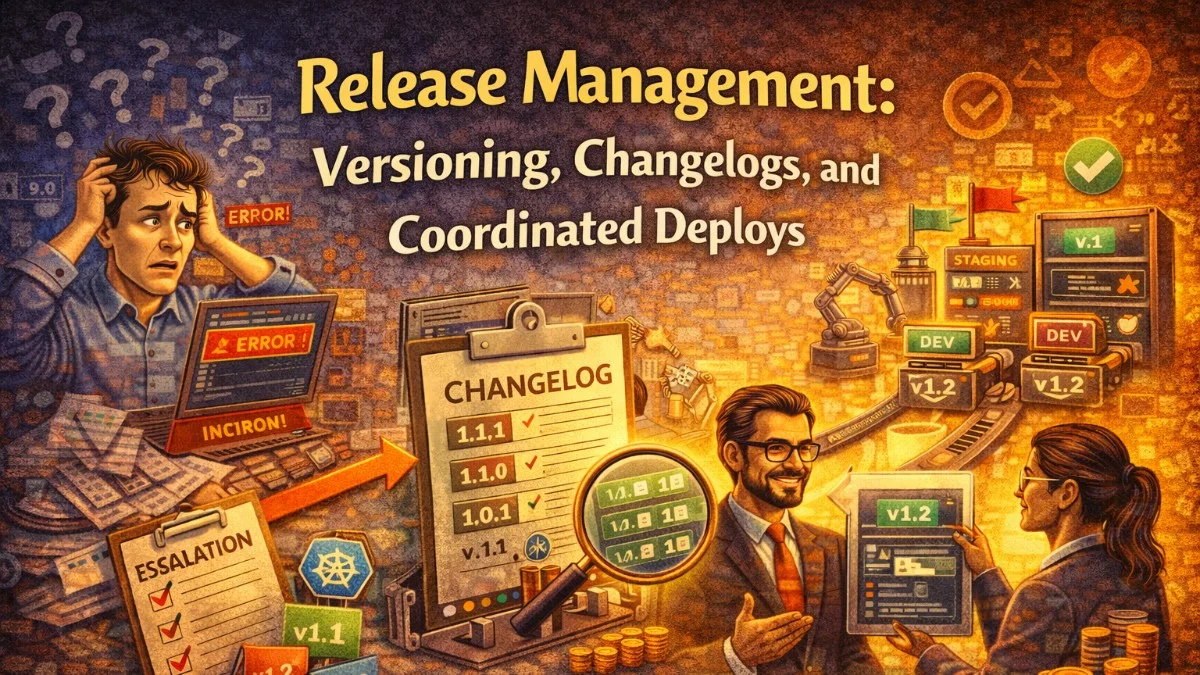
Release management is the discipline of getting software changes from merged code to production in a controlled, repeatable, and communicable way. It encompasses versioning, changelog generation, deployment coordination, and the processes that ensure all parties — engineering, product, customers — know what changed and when.
Done well, releases become unremarkable. Done poorly, releases are crises that require late-night heroics.
Choosing a Versioning Scheme
Versioning communicates the nature of a change to downstream consumers. The most widely adopted standard is Semantic Versioning (SemVer): MAJOR.MINOR.PATCH.
- MAJOR: Breaking changes. Consumers must update their code.
- MINOR: New features, backwards compatible. Consumers can update when convenient.
- PATCH: Bug fixes, backwards compatible. Consumers should update promptly.
For internal services where there are no external consumers, SemVer's breaking change signal matters less. Many teams use a simpler calendar-based version like YYYY.MM.DD.buildnumber or just use the git commit SHA as the version identifier:
# Git-based version generation
VERSION=$(git describe --tags --always --dirty)
# Examples:
# v1.4.2 (exact tag)
# v1.4.2-15-gabcdef1 (15 commits after tag)
# v1.4.2-15-gabcdef1-dirty (uncommitted changes)
For packages published to npm, Packagist, or other registries, SemVer is expected by consumers. Use it consistently.
Conventional Commits: The Foundation of Automated Versioning
Conventional Commits is a specification for commit messages that provides structured data for automated tooling:
type(scope): description

[optional body]

[optional footer]
Types:
feat: A new feature (MINOR bump)fix: A bug fix (PATCH bump)feat!orBREAKING CHANGE:footer: Breaking change (MAJOR bump)docs: Documentation onlyrefactor: Code change that neither fixes a bug nor adds a featureperf: Performance improvementtest: Adding or fixing testschore: Build process, tooling changes
Examples:
feat(auth): add OAuth 2.0 login with Google

Users can now authenticate using their Google account via OAuth 2.0.
This does not affect existing username/password authentication.

Closes: #234
fix(invoices): correct tax calculation for EU customers

Tax was not being applied to line items when the billing country
required inclusive VAT. Now correctly calculates inclusive tax amounts.

Fixes: #445
feat!: change API response format to JSON:API spec

BREAKING CHANGE: All API responses now follow the JSON:API specification.
Existing API consumers must update their response handling. See migration
guide at docs/api/migration-v2.md
Enforce conventional commits with commitlint:
npm install --save-dev @commitlint/cli @commitlint/config-conventional
// commitlint.config.js
module.exports = {
    extends: ['@commitlint/config-conventional'],
    rules: {
        'scope-enum': [2, 'always', [
            'auth',
            'invoices',
            'projects',
            'api',
            'ui',
            'deps',
        ]],
        'subject-max-length': [2, 'always', 72],
    },
};
# GitHub Actions: enforce commit message format on PRs
- name: Validate PR commits
  uses: wagoid/commitlint-github-action@v5
  with:
    configFile: commitlint.config.js
Automated Changelog Generation
With conventional commits, changelogs can be generated automatically. The Release Please action from Google is particularly well-integrated with GitHub:
# .github/workflows/release-please.yml
name: Release Please

on:
  push:
    branches: [main]

permissions:
  contents: write
  pull-requests: write

jobs:
  release-please:
    runs-on: ubuntu-latest
    steps:
      - uses: googleapis/release-please-action@v4
        id: release
        with:
          release-type: simple
          token: ${{ secrets.GITHUB_TOKEN }}

      # Deploy only when a release PR is merged
      - name: Deploy to production
        if: ${{ steps.release.outputs.release_created }}
        run: node scripts/deploy/deploy.cjs
        env:
          RELEASE_VERSION: ${{ steps.release.outputs.tag_name }}
Release Please:
- Accumulates conventional commits since the last release
- Opens a "Release PR" with an auto-generated CHANGELOG.md and version bump
- When you merge the Release PR, it creates a GitHub Release with the changelog
- Your deployment step fires only when a real release is created
Generated CHANGELOG.md format:
# Changelog

## [2.4.0](https://github.com/org/repo/compare/v2.3.1...v2.4.0) (2026-04-16)

### Features

* **auth:** add OAuth 2.0 login with Google ([#234](https://github.com/org/repo/pull/234))
* **invoices:** add PDF export for invoice batch ([#241](https://github.com/org/repo/pull/241))

### Bug Fixes

* **invoices:** correct tax calculation for EU customers ([#245](https://github.com/org/repo/pull/245))
* **api:** return 422 instead of 500 for malformed request bodies ([#249](https://github.com/org/repo/pull/249))

## [2.3.1](https://github.com/org/repo/compare/v2.3.0...v2.3.1) (2026-04-08)

### Bug Fixes

* **auth:** fix session not persisting across subdomains ([#238](https://github.com/org/repo/pull/238))
Coordinating Multi-Service Releases
When a release requires changes across multiple services — a new API contract, a shared library update, a database schema change — coordination becomes critical.
Approach 1: Backwards-compatible changes first
Deploy the consumer (the service that reads the new API) first, then deploy the producer (the service that serves the new API). The consumer must handle both old and new formats during the transition window:
class OrderApiClient
{
    public function getOrder(string $orderId): Order
    {
        $response = $this->http->get("/orders/{$orderId}");
        $data = $response->json();

        // Handle both v1 and v2 response formats during transition
        if (isset($data['data']['attributes'])) {
            // v2 JSON:API format
            return Order::fromJsonApi($data['data']);
        }

        // v1 flat format
        return Order::fromArray($data);
    }
}
Approach 2: Feature flags across services
Deploy all services with the new code behind a flag, then enable the flag in a coordinated way:
# Deployment sequence for a coordinated release

# 1. Deploy all services (code behind flags)
kubectl set image deployment/order-service order-service=order-service:v2.4.0
kubectl set image deployment/invoice-service invoice-service=invoice-service:v2.4.0
kubectl rollout status deployment/order-service
kubectl rollout status deployment/invoice-service

# 2. Run migration
kubectl exec -it deploy/order-service -- php artisan migrate

# 3. Enable flag after migration is complete
curl -X PATCH https://flags.internal/api/flags/new-order-flow \
  -H "Authorization: Bearer $ADMIN_TOKEN" \
  -d '{"status": "on"}'

# 4. Monitor error rates for 10 minutes
watch -n 5 'kubectl top pods -n production'
Release Notes for Different Audiences
Different audiences need different release information:
Developers: Detailed technical changelog (Conventional Commits generates this)
Product/Support teams: Feature-focused summary without implementation details
External customers: User-facing release notes focused on what changed for them
Automate the developer changelog; write the others manually with intent:
## What's New in April 2026

### Sign In With Google
You can now log into your account using your Google Workspace account.
Look for the "Continue with Google" button on the login page.

### Invoice PDF Export
Export any invoice or a batch of invoices to PDF from the Invoices page.
Select multiple invoices using the checkboxes, then choose "Export PDF" from
the Actions menu.

### Fixes
- Fixed an issue where EU customers saw incorrect tax amounts on invoices
- Fixed a bug where clicking a login link from an email would occasionally
  redirect to the wrong page
Tagging and GitHub Releases
Tags are the durable record of what was deployed when:
# Create an annotated tag with release notes
git tag -a v2.4.0 -m "Release v2.4.0

Features:
- OAuth 2.0 login with Google
- Invoice PDF batch export

Fixes:
- EU tax calculation
- Session persistence across subdomains"

git push origin v2.4.0

# Create GitHub release from tag (can also be done with gh CLI)
gh release create v2.4.0 \
  --title "v2.4.0 — Google Login + PDF Export" \
  --notes-file RELEASE_NOTES.md \
  --draft  # Review before publishing
Release Freeze Periods
Not all times are equal for releasing. Define blackout windows where only critical security patches are allowed:
# .github/workflows/deploy.yml
- name: Check release window
  run: |
    HOUR=$(date -u +%H)
    DOW=$(date -u +%u)  # 1=Monday, 7=Sunday

    # Block releases on weekends
    if [[ $DOW -ge 6 ]]; then
      echo "Weekend release freeze active. Use EMERGENCY_OVERRIDE=true to bypass."
      if [[ "$EMERGENCY_OVERRIDE" != "true" ]]; then
        exit 1
      fi
    fi

    # Block releases outside business hours (14:00-22:00 UTC)
    if [[ $HOUR -lt 14 || $HOUR -ge 22 ]]; then
      echo "Off-hours release freeze active."
      if [[ "$EMERGENCY_OVERRIDE" != "true" ]]; then
        exit 1
      fi
    fi

    echo "Within deployment window. Proceeding."
Release management is the connective tissue between engineering work and customer value delivery. Getting it right means your team ships with confidence and your customers always know what changed.
Building secure, reliable systems? We help teams deliver software they can trust. scopeforged.com