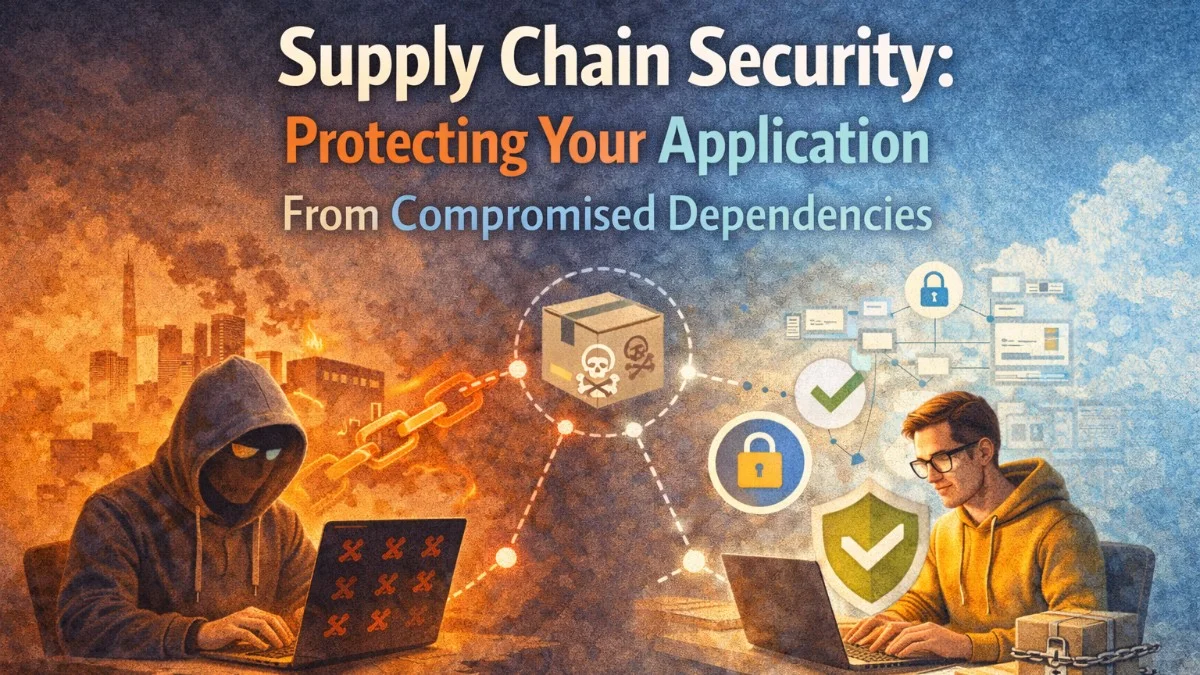
The SolarWinds breach. The XZ Utils backdoor. The event-stream npm incident. Supply chain attacks are no longer theoretical — they are actively targeting the open-source ecosystem your application depends on every day. Understanding how these attacks happen and building defenses into your development workflow is now table stakes for production systems.
How Supply Chain Attacks Work
Attackers compromise software supply chains through several vectors:
Typosquatting: Publishing a package named lodahs to catch developers who mistype lodash. These packages run arbitrary code during install.
Account takeover: Stealing credentials of a legitimate package maintainer, then publishing a malicious update to a trusted package. This is what happened with event-stream in 2018.
Dependency confusion: Exploiting how package managers resolve private versus public packages. An attacker publishes a public package with the same name as your internal private package — at a higher version number — and the package manager picks it up.
Build system compromise: Injecting malicious code into the CI/CD pipeline itself, so even clean source code produces a compromised artifact.
Maintainer abandonment: Acquiring unmaintained popular packages by reaching out to the original author. Many developers transfer packages they no longer use.
Lock Your Dependency Graph
The first line of defense is deterministic builds. Always commit your lock file.
For npm/Node.js:
# Use npm ci (clean install) in CI — it respects package-lock.json exactly
npm ci

# Audit your installed packages
npm audit

# Generate a detailed audit report
npm audit --json > audit-report.json
For PHP/Composer:
# Always commit composer.lock
git add composer.lock

# Use --no-dev in production
composer install --no-dev --optimize-autoloader

# Audit for known vulnerabilities
composer audit
For Python:
# Pin exact versions
pip freeze > requirements.txt

# Use pip-audit for vulnerability scanning
pip install pip-audit
pip-audit -r requirements.txt
The lock file records exact versions and — crucially — integrity hashes for every package. When a package manager verifies a lock file, it checks that the downloaded package matches the expected hash. If an attacker swaps a package on the registry, the hash check fails.
Verify Package Integrity
Go further than lock files by verifying signatures where available.
For npm packages, check if a package is signed:
npm audit signatures
For Docker base images, use digest pinning instead of tags:
# Bad: mutable tag, could change to anything
FROM node:20-alpine

# Good: immutable digest, always the exact same image
FROM node:20-alpine@sha256:a1b2c3d4e5f6...
Generate the digest for your current base image:
docker pull node:20-alpine
docker inspect node:20-alpine --format='{{index .RepoDigests 0}}'
For Go modules, the module proxy and checksum database provide automatic verification:
# GONOSUMCHECK can bypass this — don't use it in production builds
export GONOSUMCHECK=""

# Verify module checksums against the sum database
go mod verify
Automate Vulnerability Scanning
Manual auditing doesn't scale. Integrate vulnerability scanning into your pipeline.
GitHub Dependabot is the lowest-friction option for GitHub-hosted repositories. Add a configuration file:
# .github/dependabot.yml
version: 2
updates:
  - package-ecosystem: "npm"
    directory: "/"
    schedule:
      interval: "weekly"
    open-pull-requests-limit: 10
    groups:
      production-dependencies:
        dependency-type: "production"

  - package-ecosystem: "composer"
    directory: "/"
    schedule:
      interval: "weekly"

  - package-ecosystem: "docker"
    directory: "/"
    schedule:
      interval: "weekly"
For more control, integrate Trivy into your CI pipeline:
# .github/workflows/security-scan.yml
name: Security Scan

on:
  push:
    branches: [main]
  pull_request:

jobs:
  trivy-scan:
    runs-on: ubuntu-latest
    steps:
      - uses: actions/checkout@v4

      - name: Scan filesystem for vulnerabilities
        uses: aquasecurity/trivy-action@master
        with:
          scan-type: 'fs'
          scan-ref: '.'
          format: 'sarif'
          output: 'trivy-results.sarif'
          severity: 'CRITICAL,HIGH'
          exit-code: '1'

      - name: Upload results to GitHub Security tab
        uses: github/codeql-action/upload-sarif@v3
        with:
          sarif_file: 'trivy-results.sarif'
This fails the build on critical or high severity vulnerabilities and uploads results to GitHub's Security tab for review.
Prevent Dependency Confusion Attacks
If your organization uses private packages, configure your package manager to scope them correctly.
For npm with a private registry:
# .npmrc — committed to the repository
@mycompany:registry=https://npm.pkg.github.com
//npm.pkg.github.com/:_authToken=${NPM_TOKEN}

# Prevent falling back to public registry for scoped packages
@mycompany:always-auth=true
For Composer with a private Packagist mirror:
{
    "repositories": [
        {
            "type": "composer",
            "url": "https://repo.packagist.com/mycompany/"
        },
        {
            "packagist.org": false
        }
    ]
}
Disabling the public Packagist registry for internal packages ensures your package manager never reaches out to find a public substitute.
Implement a Software Bill of Materials (SBOM)
An SBOM is a machine-readable inventory of every component in your software. It enables rapid response when a new vulnerability is disclosed — you can query your SBOM to know within minutes whether you are affected.
Generate an SBOM with Syft:
# Install Syft
curl -sSfL https://raw.githubusercontent.com/anchore/syft/main/install.sh | sh -s -- -b /usr/local/bin

# Generate SBOM for a directory
synft dir:. -o spdx-json=sbom.spdx.json

# Generate SBOM for a Docker image
synft image nginx:latest -o cyclonedx-json=sbom.cyclonedx.json
Store your SBOMs as CI artifacts and attach them to releases:
- name: Generate SBOM
  run: syft dir:. -o spdx-json=sbom.spdx.json

- name: Attach SBOM to release
  uses: actions/upload-release-asset@v1
  with:
    asset_path: sbom.spdx.json
    asset_name: sbom.spdx.json
    asset_content_type: application/json
Vet New Dependencies Before Adding Them
The most dangerous moment in supply chain security is when you add a new dependency. Establish a review process:
- Check download counts and age: A package with 50 downloads and created last week is riskier than one with 50 million weekly downloads and 8 years of history.
- Inspect the source code: Look at the package's repository. Is there active maintenance? Are issues being responded to?
- Check maintainer count: Single-maintainer packages have higher risk of abandonment or account takeover.
- Review what the package does at install time: Check for
preinstall,postinstall, andpreparescripts inpackage.json. These run duringnpm installand can execute arbitrary code. - Use socket.dev or similar services: Socket analyzes npm packages for suspicious patterns like obfuscated code, network requests, and filesystem access.
# Check for install scripts before installing
npm info lodash scripts

# Install without running scripts (audit first manually)
npm install --ignore-scripts some-new-package
Monitor for New Vulnerabilities Continuously
Vulnerability scanning at build time is not enough. A package you installed six months ago might have a CVE disclosed today.
Use a software composition analysis (SCA) tool that monitors continuously:
- Snyk: Integrates with GitHub, monitors repositories 24/7, and opens PRs with fixes automatically.
- OWASP Dependency-Check: Open-source, runs in CI, integrates with Jenkins and GitHub Actions.
- Socket.dev: Focuses specifically on npm and PyPI, with real-time monitoring.
For critical applications, subscribe to security advisories for your major dependencies directly. Many frameworks publish security advisories through GitHub's advisory database, which you can watch via the repository notification settings.
Build Provenance Into Your Pipeline
Slsa (Supply-chain Levels for Software Artifacts) defines a framework for proving where your software came from. At SLSA level 2, your CI system generates a signed provenance document attesting that it built the artifact from specific source code.
# Use the SLSA GitHub generator action
jobs:
  build:
    outputs:
      digest: ${{ steps.build.outputs.digest }}
    steps:
      - uses: actions/checkout@v4
      - id: build
        run: |
          docker build -t myapp .
          echo "digest=$(docker inspect myapp --format='{{index .RepoDigests 0}}')"

  provenance:
    needs: build
    uses: slsa-framework/slsa-github-generator/.github/workflows/generator_container_slsa3.yml@v2.0.0
    with:
      image: myapp
      digest: ${{ needs.build.outputs.digest }}
This creates a verifiable chain of custody from source code to deployed artifact.
Summary
Supply chain security is not a single tool — it is a set of overlapping practices:
- Lock files for deterministic, hash-verified installs
- Digest pinning for Docker base images
- Automated vulnerability scanning in every CI run
- Scoped private registries to prevent dependency confusion
- SBOMs for rapid vulnerability impact assessment
- Dependency vetting before adding new packages
- Continuous monitoring for post-release vulnerability disclosures
Building these practices into your development workflow — rather than treating them as one-off audits — is what turns supply chain security from a concern into a solved problem.
Building secure, reliable systems? We help teams deliver software they can trust. scopeforged.com