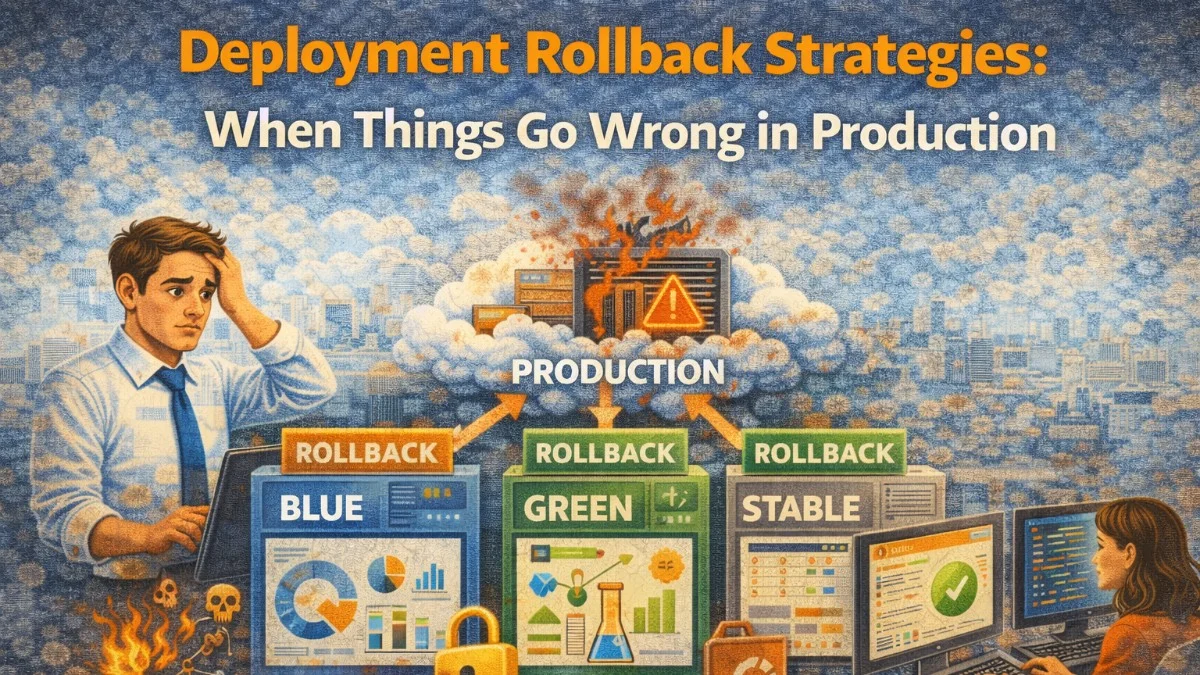
No deployment strategy eliminates failures entirely. The goal is to make failures recoverable — quickly, safely, and without heroics. A team that can roll back a bad deployment in two minutes tolerates more risk than one that can't roll back at all.
This article covers the practical mechanics of rollback for different deployment models, and the tooling and discipline that makes rollback reliable when you actually need it.
Why Rollback Fails In Practice
Rollback fails for predictable reasons:
Database migrations ran forward: Your new code has run a migration that adds a column or changes a data structure. Rolling the code back to the previous version may not work if the database schema has changed in a way the old code does not understand.
Dependencies changed: The old code expects a version of a library, API contract, or service interface that no longer exists.
State was mutated: Customer data was modified — records created, emails sent, payments processed — that cannot simply be undone.
The rollback path was not tested: Most teams test the deployment path. Few test the rollback path. When you need to roll back at 2am, discovering the process does not work as expected is costly.
Designing for rollback means addressing these failure modes upfront.
Atomic Symlink Rollback
For applications deployed to a single server or a small fleet, the symlink-based deployment model makes rollback instant.
The structure:
/var/www/myapp/
├── releases/
│   ├── 20260401120000/   # Previous release
│   ├── 20260402140000/   # Current release
│   └── 20260403160000/   # New release (just deployed)
├── current -> releases/20260402140000/   # Symlink
└── shared/
    ├── .env
    └── storage/
Deployment switches the symlink atomically:
# Deploy new release
ln -sfn /var/www/myapp/releases/20260403160000 /var/www/myapp/current

# Reload (not restart) to pick up new symlink
sudo service php8.2-fpm reload
Rollback is just switching the symlink to the previous release:
#!/bin/bash
# scripts/rollback.sh

RELEASES_DIR="/var/www/myapp/releases"
CURRENT_LINK="/var/www/myapp/current"

# Find the current release
CURRENT=$(readlink -f "$CURRENT_LINK" | xargs basename)

# List all releases sorted by name (timestamp-based names sort chronologically)
RELEASE_LIST=($(ls -1 "$RELEASES_DIR" | sort))

# Find the index of the current release
for i in "${!RELEASE_LIST[@]}"; do
    if [[ "${RELEASE_LIST[$i]}" == "$CURRENT" ]]; then
        CURRENT_INDEX=$i
        break
    fi
done

# Roll back to the previous release
if [[ $CURRENT_INDEX -gt 0 ]]; then
    PREVIOUS="${RELEASE_LIST[$((CURRENT_INDEX - 1))]}"
    echo "Rolling back from $CURRENT to $PREVIOUS"
    ln -sfn "$RELEASES_DIR/$PREVIOUS" "$CURRENT_LINK"
    sudo service php8.2-fpm reload
    echo "Rollback complete"
else
    echo "Error: No previous release found"
    exit 1
fi
This works because each release directory contains a complete, self-contained copy of the application code. The PHP-FPM reload makes the symlink change take effect without downtime.
Database Migration Strategy for Rollback
Database migrations are the hardest part of rollback. The solution is the expand-contract pattern (also called parallel change):
Never make a breaking schema change in a single migration. Instead:
- Expand: Add the new column/table alongside the old one. Deploy code that writes to both.
- Migrate: Run a background job to backfill the new column with data from the old.
- Contract: Once all rows have data in the new column and the old code is no longer deployed, remove the old column.
// Step 1: Expand migration — add new column, keep old one
class AddUserPreferencesJsonColumn extends Migration
{
    public function up(): void
    {
        Schema::table('users', function (Blueprint $table) {
            // New column added alongside old separate columns
            $table->json('preferences')->nullable()->after('email');
        });
    }

    public function down(): void
    {
        // Safe to roll back — no data lost, old columns still exist
        Schema::table('users', function (Blueprint $table) {
            $table->dropColumn('preferences');
        });
    }
}

// Step 2: Code writes to both old and new columns during transition
class UserPreferenceService
{
    public function update(User $user, array $preferences): void
    {
        $user->update([
            // Write to new JSON column
            'preferences' => $preferences,
            // Also maintain old columns during transition
            'email_notifications' => $preferences['email_notifications'] ?? true,
            'theme' => $preferences['theme'] ?? 'light',
        ]);
    }
}

// Step 3: Contract migration — remove old columns (deployed separately, weeks later)
class RemoveOldPreferenceColumns extends Migration
{
    public function up(): void
    {
        Schema::table('users', function (Blueprint $table) {
            $table->dropColumn(['email_notifications', 'theme']);
        });
    }

    public function down(): void
    {
        // Rollback of a contract migration is destructive — document this
        Schema::table('users', function (Blueprint $table) {
            $table->boolean('email_notifications')->default(true);
            $table->string('theme')->default('light');
        });
    }
}
With this pattern, the expand migration is always safe to roll back. The contract migration is deployed only after the old code is gone and will not be deployed again.
Kubernetes Rolling Rollback
Kubernetes tracks deployment history and supports one-command rollback:
# Check deployment rollout status
kubectl rollout status deployment/myapp

# View rollout history
kubectl rollout history deployment/myapp
# REVISION  CHANGE-CAUSE
# 1         Initial deployment
# 2         Add new feature
# 3         Fix login bug

# Roll back to the previous revision
kubectl rollout undo deployment/myapp

# Roll back to a specific revision
kubectl rollout undo deployment/myapp --to-revision=2

# Watch the rollback proceed
kubectl rollout status deployment/myapp --watch
Configure your Deployment to keep enough history:
apiVersion: apps/v1
kind: Deployment
metadata:
  name: myapp
spec:
  revisionHistoryLimit: 5  # Keep last 5 revisions for rollback
  strategy:
    type: RollingUpdate
    rollingUpdate:
      maxSurge: 1
      maxUnavailable: 0  # Zero-downtime rollback
  selector:
    matchLabels:
      app: myapp
  template:
    metadata:
      labels:
        app: myapp
    spec:
      containers:
        - name: myapp
          image: myapp:{{ .Values.image.tag }}
          readinessProbe:
            httpGet:
              path: /health
              port: 8080
            initialDelaySeconds: 10
            periodSeconds: 5
The readiness probe is critical: Kubernetes only routes traffic to pods that pass the health check. If your new pods fail the readiness probe, Kubernetes automatically stops the rollout — you may not even need to manually roll back.
Automating Rollback With Health Checks
The ideal rollback is one that happens automatically when a deployment goes wrong:
# GitHub Actions: auto-rollback on failed health check
- name: Deploy
  run: kubectl set image deployment/myapp myapp=${{ env.IMAGE_TAG }}

- name: Wait for rollout
  run: kubectl rollout status deployment/myapp --timeout=300s

- name: Health check
  id: health-check
  run: |
    for i in {1..10}; do
      STATUS=$(curl -s -o /dev/null -w "%{http_code}" https://api.example.com/health)
      if [[ $STATUS == "200" ]]; then
        echo "Health check passed"
        exit 0
      fi
      echo "Attempt $i: status $STATUS, retrying..."
      sleep 15
    done
    echo "Health check failed after 10 attempts"
    exit 1

- name: Rollback on failure
  if: failure() && steps.health-check.outcome == 'failure'
  run: |
    echo "Deployment failed health check, rolling back"
    kubectl rollout undo deployment/myapp
    kubectl rollout status deployment/myapp --timeout=120s
    echo "::error::Deployment rolled back due to failed health check"
    exit 1
Feature Flag Rollback
For large features, the fastest rollback is a feature flag toggle. The code is deployed but the feature is off:
class FeatureFlagMiddleware
{
    public function handle(Request $request, Closure $next, string $flag): Response
    {
        if (!$this->featureFlags->isEnabled($flag, $request->user())) {
            abort(404);
        }

        return $next($request);
    }
}

// Rolling out new checkout flow
class CheckoutController
{
    public function show(Request $request, Cart $cart): Response
    {
        if ($this->featureFlags->isEnabled('new-checkout-flow', $request->user())) {
            return view('checkout.new', compact('cart'));
        }

        return view('checkout.legacy', compact('cart'));
    }
}
When a feature flag rollback is needed, you flip the flag in your feature flag service (LaunchDarkly, Unleash, etc.) — no deployment required. The change propagates within seconds.
Document Your Rollback Procedure
The rollback procedure should be in a runbook, not in someone's head:
# Rollback Runbook

## When to Roll Back
- Error rate > 5% for > 3 minutes after deployment
- P99 latency > 2x baseline for > 5 minutes
- Critical bug confirmed in the new release
- On-call engineer judgment

## Rollback Steps

### Code-Only Change (no migration)
1. Run: `./scripts/rollback.sh` (or `kubectl rollout undo deployment/myapp`)
2. Verify: `curl https://api.example.com/health`
3. Monitor: Check error rates in Datadog for 10 minutes
4. Notify: Post in #deployments channel: "Rolled back to vX.X.X at HH:MM UTC"

### Change With Migration
1. Check migration type: expand (safe to rollback) or contract (requires data consideration)
2. For expand migrations: Roll back code first, then run `php artisan migrate:rollback`
3. For contract migrations: Contact the on-call database engineer before rolling back
4. Escalate to database team if uncertain

## Rollback Testing
Test rollback procedure in staging monthly. Document the last test date here: [date]
Rollback that works is a deliberate engineering decision. It requires designing migrations carefully, maintaining deployment history, and testing the rollback path before you need it under pressure.
Building secure, reliable systems? We help teams deliver software they can trust. scopeforged.com