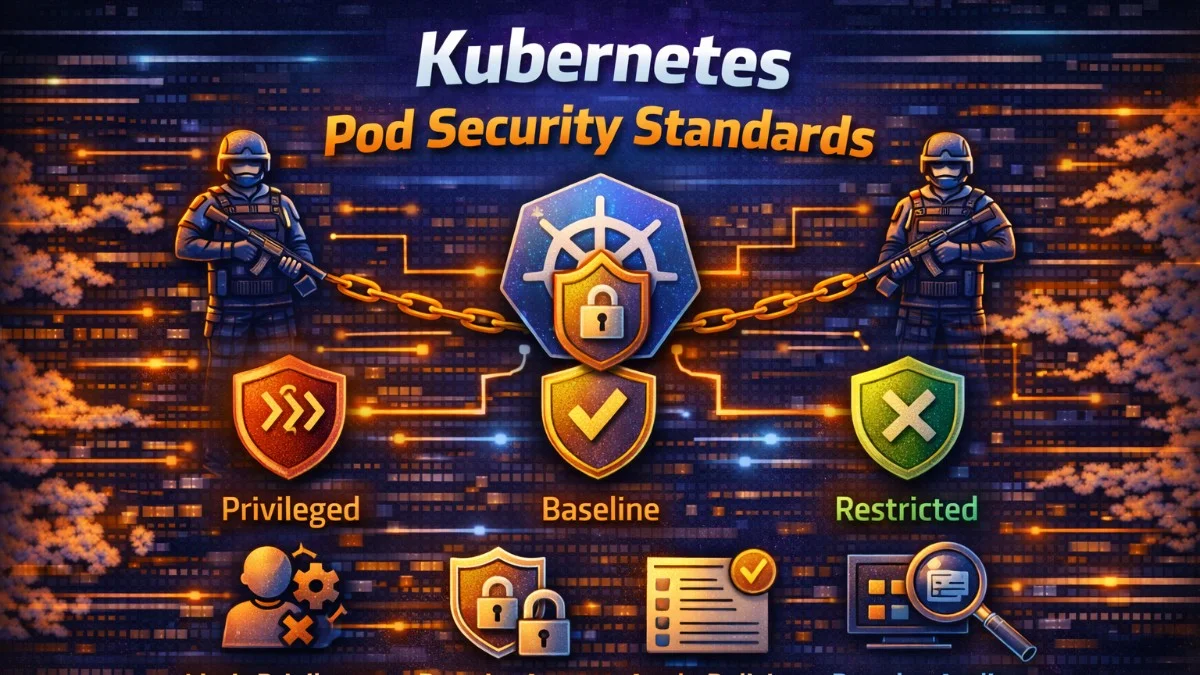
Kubernetes Pod Security defines what pods can and cannot do at runtime. Without proper security controls, containers can escalate privileges, access host resources, or compromise other workloads. Pod Security Standards and their enforcement mechanisms provide defense-in-depth for containerized applications.
The principle of least privilege applies directly to pods. Containers should run with the minimum permissions needed to function. Most applications don't need root access, host networking, or privileged capabilities. Restricting these by default prevents entire classes of attacks.
Pod Security Standards
Kubernetes defines three security profiles: Privileged, Baseline, and Restricted. Each profile specifies what's allowed and forbidden for pods.
Privileged allows everything. It's for system-level workloads that genuinely need elevated access, like CNI plugins or storage drivers. Most applications should never use privileged mode.
Baseline blocks known privilege escalations while remaining broadly compatible. It prevents hostPath mounts, host networking, and privileged containers. Most applications work with baseline restrictions.
Restricted enforces current hardening best practices. It requires non-root users, read-only filesystems, and dropped capabilities. Applications may need modification to work under restricted mode.
# Namespace with restricted enforcement
apiVersion: v1
kind: Namespace
metadata:
  name: production
  labels:
    pod-security.kubernetes.io/enforce: restricted
    pod-security.kubernetes.io/audit: restricted
    pod-security.kubernetes.io/warn: restricted
The enforce mode rejects non-compliant pods. Audit mode logs violations. Warn mode shows warnings to users. Using all three provides visibility during migration while enforcing in production.
Security Context Configuration
SecurityContext defines privilege and access control settings for pods and containers. Configuring these properly is fundamental to pod security.
apiVersion: v1
kind: Pod
metadata:
  name: secure-app
spec:
  securityContext:
    runAsNonRoot: true
    runAsUser: 1000
    runAsGroup: 1000
    fsGroup: 1000
    seccompProfile:
      type: RuntimeDefault
  containers:
    - name: app
      image: myapp:latest
      securityContext:
        allowPrivilegeEscalation: false
        readOnlyRootFilesystem: true
        capabilities:
          drop:
            - ALL
      volumeMounts:
        - name: tmp
          mountPath: /tmp
        - name: cache
          mountPath: /var/cache
  volumes:
    - name: tmp
      emptyDir: {}
    - name: cache
      emptyDir: {}
Running as non-root prevents many container escape vulnerabilities. The runAsNonRoot field causes Kubernetes to reject containers that would run as root. Combined with a specific runAsUser, this ensures predictable, non-privileged execution.
Read-only root filesystems prevent attackers from modifying container contents. Applications often need writable directories for temporary files or caches; emptyDir volumes provide this without allowing root filesystem modifications.
Dropping all capabilities removes Linux capabilities that containers don't need. Capabilities like CAP_NET_RAW (raw network access) or CAP_SYS_ADMIN (broad administrative access) enable attacks. Most applications function without any capabilities.
Restricting Host Access
Containers can access host resources in dangerous ways. Blocking these access paths is essential for isolation.
apiVersion: v1
kind: Pod
metadata:
  name: isolated-app
spec:
  hostNetwork: false      # Don't share host network namespace
  hostPID: false          # Don't share host PID namespace
  hostIPC: false          # Don't share host IPC namespace
  containers:
    - name: app
      image: myapp:latest
      # Don't mount sensitive host paths
      volumeMounts:
        - name: data
          mountPath: /data
  volumes:
    - name: data
      persistentVolumeClaim:
        claimName: app-data
    # Never use hostPath for sensitive directories:
    # - name: docker-sock  # DANGEROUS
    #   hostPath:
    #     path: /var/run/docker.sock
Host namespaces (network, PID, IPC) break container isolation. A container with host networking can sniff traffic from other pods. Host PID access allows seeing and signaling other processes. These should be false for application workloads.
HostPath volumes mount directories from the host into containers. Mounting Docker's socket or the host's root filesystem gives containers full host access. Restrict hostPath mounts through admission control; most applications should use PersistentVolumeClaims instead.
Network Policies
Network policies control pod-to-pod communication. By default, all pods can communicate with all other pods. Network policies implement microsegmentation within the cluster.
apiVersion: networking.k8s.io/v1
kind: NetworkPolicy
metadata:
  name: api-policy
  namespace: production
spec:
  podSelector:
    matchLabels:
      app: api
  policyTypes:
    - Ingress
    - Egress
  ingress:
    # Allow traffic from web frontend
    - from:
        - podSelector:
            matchLabels:
              app: frontend
        - namespaceSelector:
            matchLabels:
              name: production
      ports:
        - port: 8080
          protocol: TCP
  egress:
    # Allow traffic to database
    - to:
        - podSelector:
            matchLabels:
              app: postgres
      ports:
        - port: 5432
          protocol: TCP
    # Allow DNS
    - to:
        - namespaceSelector: {}
          podSelector:
            matchLabels:
              k8s-app: kube-dns
      ports:
        - port: 53
          protocol: UDP
Start with a deny-all policy, then explicitly allow required communication. This approach ensures that new workloads are isolated by default and that any communication is intentional.
# Default deny all traffic in namespace
apiVersion: networking.k8s.io/v1
kind: NetworkPolicy
metadata:
  name: default-deny
  namespace: production
spec:
  podSelector: {}
  policyTypes:
    - Ingress
    - Egress
Service Account Security
Service accounts provide pod identity for API server access. Default service accounts often have more permissions than needed.
apiVersion: v1
kind: ServiceAccount
metadata:
  name: app-service-account
  namespace: production
automountServiceAccountToken: false  # Don't auto-mount unless needed
---
apiVersion: v1
kind: Pod
metadata:
  name: app
spec:
  serviceAccountName: app-service-account
  automountServiceAccountToken: false
  containers:
    - name: app
      image: myapp:latest
Most applications don't need Kubernetes API access. Disabling automatic token mounting prevents credential exposure if the container is compromised.
When API access is needed, use minimal RBAC permissions:
apiVersion: rbac.authorization.k8s.io/v1
kind: Role
metadata:
  name: configmap-reader
  namespace: production
rules:
  - apiGroups: [""]
    resources: ["configmaps"]
    verbs: ["get", "list"]
    resourceNames: ["app-config"]  # Restrict to specific resources
---
apiVersion: rbac.authorization.k8s.io/v1
kind: RoleBinding
metadata:
  name: app-configmap-reader
  namespace: production
subjects:
  - kind: ServiceAccount
    name: app-service-account
roleRef:
  kind: Role
  name: configmap-reader
  apiGroup: rbac.authorization.k8s.io
Image Security
Container images are a common attack vector. Unsigned or unscanned images may contain vulnerabilities or malicious code.
# Policy requiring signed images (using Kyverno)
apiVersion: kyverno.io/v1
kind: ClusterPolicy
metadata:
  name: require-signed-images
spec:
  validationFailureAction: enforce
  rules:
    - name: verify-signature
      match:
        resources:
          kinds:
            - Pod
      verifyImages:
        - imageReferences:
            - "registry.example.com/*"
          attestors:
            - entries:
                - keys:
                    publicKeys: |-
                      -----BEGIN PUBLIC KEY-----
                      ...
                      -----END PUBLIC KEY-----
Image scanning identifies known vulnerabilities before deployment. Integrate scanning into CI/CD pipelines and admission control:
# Trivy scan in CI pipeline
- name: Scan image
  run: |
    trivy image --exit-code 1 --severity HIGH,CRITICAL \
      myapp:${{ github.sha }}
Use image pull policies that prevent running outdated images:
containers:
  - name: app
    image: myapp:v1.2.3  # Use specific tags, not :latest
    imagePullPolicy: Always  # Always pull to get security updates
Resource Limits
Resource limits prevent denial-of-service through resource exhaustion. A container without limits can consume all node resources, affecting other workloads.
containers:
  - name: app
    resources:
      requests:
        memory: "256Mi"
        cpu: "250m"
      limits:
        memory: "512Mi"
        cpu: "500m"
LimitRanges enforce defaults and maximums for namespaces:
apiVersion: v1
kind: LimitRange
metadata:
  name: resource-limits
  namespace: production
spec:
  limits:
    - default:
        memory: "512Mi"
        cpu: "500m"
      defaultRequest:
        memory: "256Mi"
        cpu: "250m"
      max:
        memory: "2Gi"
        cpu: "2"
      type: Container
Conclusion
Pod security requires multiple layers: security contexts restrict container capabilities, network policies control communication, RBAC limits API access, and image policies ensure trusted code runs. The restricted Pod Security Standard provides a strong baseline.
Apply these controls through admission controllers for consistent enforcement. Monitor for security events and violations. Defense in depth means assuming any single control might fail; the remaining controls should still prevent compromise.