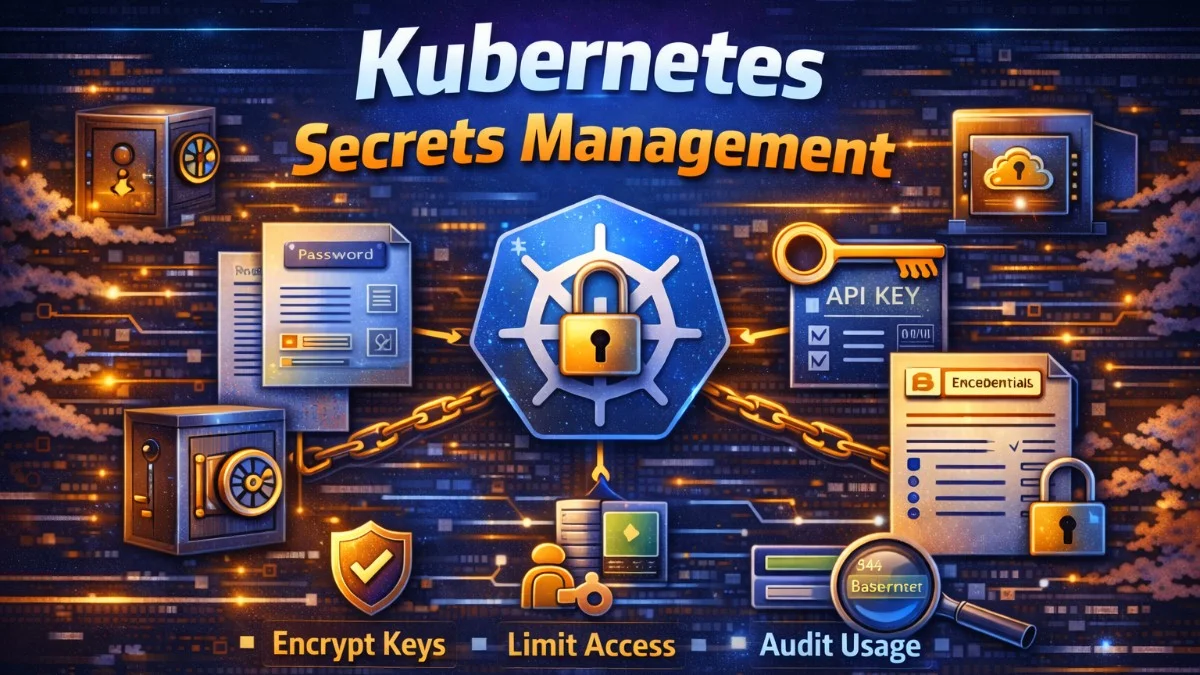
Kubernetes Secrets store sensitive data like passwords, API keys, and certificates. While Secrets provide basic protection compared to ConfigMaps, they're not encrypted by default—they're merely base64-encoded. Effective secrets management requires additional measures to protect sensitive data throughout its lifecycle.
Understanding Kubernetes Secrets' limitations helps you implement appropriate protections. The goal is defense in depth: multiple layers ensuring secrets remain secure even if one layer is compromised.
Secrets Basics
Kubernetes Secrets store key-value pairs as base64-encoded data. Base64 is encoding, not encryption—anyone with cluster access can decode it.
apiVersion: v1
kind: Secret
metadata:
  name: database-credentials
type: Opaque
data:
  # base64 encoded values
  username: YWRtaW4=          # admin
  password: c2VjcmV0MTIz      # secret123
---
# Using stringData for convenience (Kubernetes encodes automatically)
apiVersion: v1
kind: Secret
metadata:
  name: api-credentials
type: Opaque
stringData:
  api-key: sk_live_abc123xyz
  webhook-secret: whsec_9876543210
Access Secrets in pods via environment variables or mounted files:
apiVersion: v1
kind: Pod
metadata:
  name: api
spec:
  containers:
    - name: api
      image: myapp/api
      env:
        # Single secret value as environment variable
        - name: DATABASE_PASSWORD
          valueFrom:
            secretKeyRef:
              name: database-credentials
              key: password

        # All secret values as environment variables
        # - name: API_KEY comes from secret key api-key
      envFrom:
        - secretRef:
            name: api-credentials

      volumeMounts:
        # Mount secrets as files
        - name: tls-certs
          mountPath: /etc/tls
          readOnly: true

  volumes:
    - name: tls-certs
      secret:
        secretName: tls-certificates
Encryption at Rest
By default, etcd stores Secrets unencrypted. Anyone with etcd access can read all secrets. Enable encryption at rest to protect stored secrets.
# EncryptionConfiguration for kube-apiserver
apiVersion: apiserver.config.k8s.io/v1
kind: EncryptionConfiguration
resources:
  - resources:
      - secrets
    providers:
      # Preferred provider (encryption)
      - aescbc:
          keys:
            - name: key1
              secret: <base64-encoded-32-byte-key>
      # Fallback (for reading old unencrypted secrets)
      - identity: {}
Cloud providers offer managed encryption with their KMS services:
# AWS KMS encryption
providers:
  - kms:
      name: aws-kms
      endpoint: unix:///var/run/kmsplugin/socket.sock
      cachesize: 1000
      timeout: 3s
After enabling encryption, re-encrypt existing secrets:
kubectl get secrets --all-namespaces -o json | kubectl replace -f -
External Secrets Management
External secrets managers provide additional features: audit logging, automatic rotation, fine-grained access control, and centralized management. Tools like External Secrets Operator sync secrets from external sources to Kubernetes.
# External Secrets Operator with AWS Secrets Manager
apiVersion: external-secrets.io/v1beta1
kind: SecretStore
metadata:
  name: aws-secrets-manager
spec:
  provider:
    aws:
      service: SecretsManager
      region: us-east-1
      auth:
        jwt:
          serviceAccountRef:
            name: external-secrets-sa
---
apiVersion: external-secrets.io/v1beta1
kind: ExternalSecret
metadata:
  name: database-credentials
spec:
  refreshInterval: 1h
  secretStoreRef:
    name: aws-secrets-manager
    kind: SecretStore
  target:
    name: database-credentials
    creationPolicy: Owner
  data:
    - secretKey: username
      remoteRef:
        key: production/database
        property: username
    - secretKey: password
      remoteRef:
        key: production/database
        property: password
HashiCorp Vault integration provides dynamic secrets and fine-grained policies:
apiVersion: external-secrets.io/v1beta1
kind: SecretStore
metadata:
  name: vault
spec:
  provider:
    vault:
      server: https://vault.example.com
      path: secret
      auth:
        kubernetes:
          mountPath: kubernetes
          role: myapp
          serviceAccountRef:
            name: myapp-sa
---
apiVersion: external-secrets.io/v1beta1
kind: ExternalSecret
metadata:
  name: app-secrets
spec:
  secretStoreRef:
    name: vault
    kind: SecretStore
  target:
    name: app-secrets
  data:
    - secretKey: api-key
      remoteRef:
        key: secret/data/myapp
        property: api_key
RBAC for Secrets
Restrict who can access secrets using Kubernetes RBAC. Default cluster roles often grant too broad access.
# Role that allows reading only specific secrets
apiVersion: rbac.authorization.k8s.io/v1
kind: Role
metadata:
  name: app-secrets-reader
  namespace: production
rules:
  - apiGroups: [""]
    resources: ["secrets"]
    resourceNames: ["app-config", "database-credentials"]
    verbs: ["get"]
---
apiVersion: rbac.authorization.k8s.io/v1
kind: RoleBinding
metadata:
  name: app-secrets-reader-binding
  namespace: production
subjects:
  - kind: ServiceAccount
    name: myapp
    namespace: production
roleRef:
  kind: Role
  name: app-secrets-reader
  apiGroup: rbac.authorization.k8s.io
Audit secret access to detect unauthorized attempts:
# Audit policy for secrets
apiVersion: audit.k8s.io/v1
kind: Policy
rules:
  - level: Metadata
    resources:
      - group: ""
        resources: ["secrets"]
    verbs: ["get", "list", "watch", "create", "update", "delete"]
Secrets Rotation
Secrets should be rotated regularly and immediately when compromised. Design applications to handle rotation without downtime.
// Application handling secret rotation
class SecretAwareConfig
{
    private string $configPath;
    private array $config;
    private int $lastModified = 0;

    public function __construct(string $configPath)
    {
        $this->configPath = $configPath;
        $this->reload();
    }

    public function get(string $key): string
    {
        $this->checkForUpdates();
        return $this->config[$key] ?? throw new Exception("Unknown config key: $key");
    }

    private function checkForUpdates(): void
    {
        $modified = filemtime($this->configPath);

        if ($modified > $this->lastModified) {
            $this->reload();
        }
    }

    private function reload(): void
    {
        $this->config = json_decode(file_get_contents($this->configPath), true);
        $this->lastModified = filemtime($this->configPath);

        Log::info('Configuration reloaded', ['path' => $this->configPath]);
    }
}
For database credentials, external secrets managers can generate dynamic credentials:
# Vault database secrets engine
apiVersion: external-secrets.io/v1beta1
kind: ExternalSecret
metadata:
  name: dynamic-db-creds
spec:
  refreshInterval: 30m  # Rotate every 30 minutes
  secretStoreRef:
    name: vault
    kind: SecretStore
  target:
    name: database-credentials
    template:
      type: Opaque
      data:
        connection-string: "postgres://{{ .username }}:{{ .password }}@db:5432/myapp"
  data:
    - secretKey: username
      remoteRef:
        key: database/creds/myapp-role
        property: username
    - secretKey: password
      remoteRef:
        key: database/creds/myapp-role
        property: password
Sealed Secrets for GitOps
GitOps workflows need secrets in Git, but storing plain secrets in repositories is dangerous. Sealed Secrets encrypts secrets so only the cluster can decrypt them.
# Install kubeseal CLI and controller
kubectl apply -f https://github.com/bitnami-labs/sealed-secrets/releases/download/v0.24.0/controller.yaml

# Encrypt a secret
kubectl create secret generic my-secret \
  --from-literal=password=s3cr3t \
  --dry-run=client -o yaml | \
  kubeseal --format=yaml > sealed-secret.yaml
# Encrypted secret safe for Git
apiVersion: bitnami.com/v1alpha1
kind: SealedSecret
metadata:
  name: my-secret
  namespace: production
spec:
  encryptedData:
    password: AgBy8hCi...encrypted...data...
The sealed secret can be committed to Git. Only the cluster's Sealed Secrets controller can decrypt it.
Best Practices
Avoid secrets in environment variables when possible. Environment variables can leak through process listings, crash dumps, and logging. Mount secrets as files instead.
# Prefer file mounts over environment variables
volumes:
  - name: secrets
    secret:
      secretName: app-secrets
      items:
        - key: database-password
          path: db-password
          mode: 0400  # Restrictive permissions
Use separate secrets per application. Shared secrets mean all applications share exposure risk.
# Each application gets its own secret
apiVersion: v1
kind: Secret
metadata:
  name: app-a-credentials
  namespace: production
---
apiVersion: v1
kind: Secret
metadata:
  name: app-b-credentials
  namespace: production
Implement secret scanning in CI/CD to prevent accidental commits:
# GitHub Actions secret scanning
- name: Scan for secrets
  uses: trufflesecurity/trufflehog@main
  with:
    path: ./
    extra_args: --only-verified
Conclusion
Kubernetes Secrets provide basic sensitive data storage but require additional layers for production security. Enable encryption at rest to protect etcd. Use external secrets managers for audit logging and rotation. Implement strict RBAC to limit access. Use Sealed Secrets for GitOps workflows.
Treat secrets management as a critical security function. Regular rotation, access auditing, and least-privilege access reduce risk from compromised credentials. Defense in depth ensures that no single failure exposes sensitive data.