Why Log Aggregation Matters
If your application runs on a single server and writes logs to a file, you can SSH in and grep. This works until it doesn't: until you have multiple servers, until your logs roll over before you can investigate an incident, until you need to search across service boundaries, until you want to alert on log patterns.
Log aggregation collects logs from every source in your infrastructure, stores them durably, and makes them searchable. It's the difference between debugging by SSH and debugging with a query.
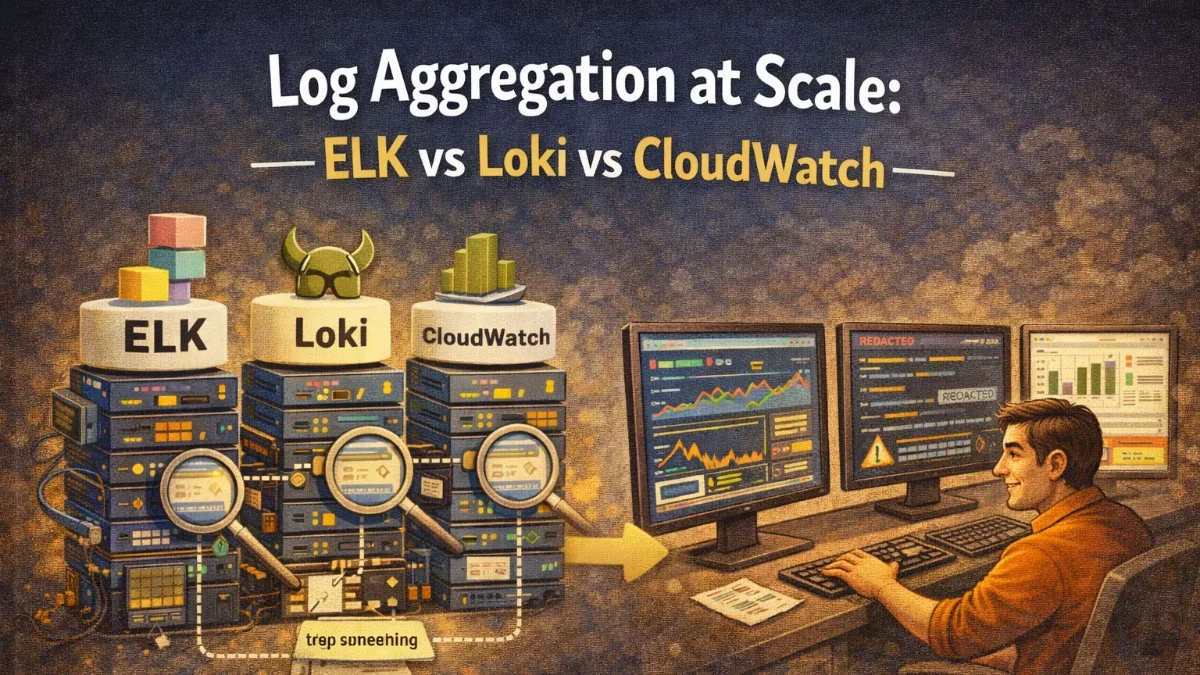
The three most common choices for teams running on AWS or managing their own infrastructure are Elasticsearch + Kibana (ELK/OpenSearch), Grafana Loki, and AWS CloudWatch Logs. Each makes different tradeoffs.
The ELK Stack (Elasticsearch + Logstash + Kibana)
Elasticsearch is a full-text search engine. Logstash collects and transforms logs. Kibana provides the UI. Together they form the ELK stack, now often deployed as OpenSearch + OpenSearch Dashboards (the AWS open-source fork of Elasticsearch).
How ELK indexes logs:
When a log entry arrives, Elasticsearch indexes every field. You can search for any value in any field, perform full-text search across the message field, and run complex aggregations. A query like "show me all ERROR logs from the billing service for user 4821 in the last hour" is fast and expressive.
Strengths:
- Full-text search across log content
- Rich query language (Lucene, KQL)
- Powerful aggregations (count by field, histograms over time)
- Mature ecosystem with many input/output plugins
- Kibana's Discover and Dashboard UI are excellent
Weaknesses:
- High operational cost: Elasticsearch is memory-hungry and complex to operate at scale
- Expensive to self-host: production ELK requires multiple nodes with significant RAM
- Schema management: mapping explosions can corrupt indexes if not managed carefully
- AWS Managed OpenSearch is the pragmatic option but still more expensive than alternatives
When ELK is the right choice:
- You need full-text search across log content
- Your team has existing Elasticsearch expertise
- You're on AWS and willing to pay for Managed OpenSearch
- You have complex log analysis requirements beyond simple filtering
Sending Laravel logs to OpenSearch:
composer require elasticsearch/elasticsearch
// config/logging.php
'channels' => [
    'opensearch' => [
        'driver'  => 'monolog',
        'handler' => OpenSearchHandler::class,
        'with' => [
            'client' => \Elasticsearch\ClientBuilder::create()
                ->setHosts([env('OPENSEARCH_URL')])
                ->build(),
            'index'  => 'laravel-logs-' . date('Y.m'),
        ],
    ],
],
Grafana Loki
Loki takes a radically different approach. Instead of indexing log content, it indexes only metadata labels (like Prometheus does for metrics). Log content is stored compressed and is searched by scanning matching log streams.
This design makes Loki much cheaper to operate than Elasticsearch, at the cost of content search speed.
How Loki stores logs:
Logs are grouped into streams by their label set. Labels are things like {service="billing", environment="production", level="error"}. You can only query by labels, not by arbitrary content. For ad-hoc content searches, Loki scans all matching streams using |= (contains) or |~ regex operators.
Strengths:
- Very low cost: compressed object storage (S3) is cheap; no indexing overhead
- Simple to operate: no schema management, no heap tuning
- Native Prometheus integration: same label model, same Grafana UI
- LogQL query language is expressive for label-based filtering
- Excellent for structured JSON logs where you filter by field values
Weaknesses:
- No full-text search index: content scans are slower than Elasticsearch queries
- Label cardinality limits: same rules apply as Prometheus metrics
- Less mature UI than Kibana for log exploration
- Querying arbitrary fields requires a LogQL pipeline, not a simple field filter
When Loki is the right choice:
- You're already using Grafana and Prometheus (unified observability stack)
- Cost is a significant concern
- Your logs are structured JSON (field-based filtering is fast)
- You don't need complex full-text search
Sending Laravel logs to Loki:
composer require gelf/gelf-php
# Or use Promtail to ship from log files
# promtail config (agent running on your servers)
clients:
  - url: http://loki:3100/loki/api/v1/push

scrape_configs:
  - job_name: laravel
    static_configs:
      - targets: [localhost]
        labels:
          service: laravel
          environment: production
          __path__: /var/www/current/storage/logs/*.log

    pipeline_stages:
      - json:
          expressions:
            level: level
            message: message
            user_id: user_id
      - labels:
          level:
          service:
Querying Loki with LogQL:
# All errors from billing service in the last hour
{service="billing", level="error"} | json

# Errors for a specific user
{service="billing"} | json | user_id = "4821"

# Error rate over time
sum(rate({service="billing", level="error"}[5m]))

# Log lines containing a specific string
{service="billing"} |= "invoice generation failed"
AWS CloudWatch Logs
CloudWatch Logs is the native AWS logging service. If you're running on EC2, ECS, or Lambda, logs can flow there automatically with minimal configuration.
How CloudWatch stores logs:
Logs are organized into log groups and log streams. CloudWatch Logs Insights provides a SQL-like query language for searching and aggregating. Metric filters let you create CloudWatch Metrics from log patterns.
Strengths:
- Zero operational overhead: fully managed
- Tight AWS integration: Lambda, ECS, EC2, RDS all log here natively
- Metric filters: create alarms directly from log patterns
- No infrastructure to manage
- Reasonable cost for moderate volumes
Weaknesses:
- Logs Insights queries can be slow and expensive for large volumes
- Limited query expressiveness compared to Elasticsearch or LogQL
- Retention and cross-region search are complex to configure
- Vendor lock-in
- Gets expensive at high ingestion rates
When CloudWatch is the right choice:
- You're running exclusively on AWS and want minimal operational overhead
- Your log volume is moderate (under a few GB/day)
- You want native integration with CloudWatch Alarms and AWS services
- Your team's priority is simplicity over power
Sending Laravel logs to CloudWatch:
composer require maxbanton/cwh
// config/logging.php
'channels' => [
    'cloudwatch' => [
        'driver'    => 'custom',
        'via'       => \Maxbanton\Cwh\Log\CloudWatch::class,
        'sdk' => [
            'region'      => env('AWS_DEFAULT_REGION', 'us-east-1'),
            'credentials' => [
                'key'    => env('AWS_ACCESS_KEY_ID'),
                'secret' => env('AWS_SECRET_ACCESS_KEY'),
            ],
        ],
        'retention'  => 90,  // days
        'group_name' => '/app/laravel',
        'stream_name' => php_uname('n'),  // server hostname
        'formatter'  => \Monolog\Formatter\JsonFormatter::class,
    ],
],
Side-by-Side Comparison
| Dimension | ELK / OpenSearch | Grafana Loki | CloudWatch Logs |
|---|---|---|---|
| Full-text search | Excellent | Scan-based (slow) | Limited |
| Operational cost | High | Low | None |
| Storage cost | High | Low (S3) | Moderate |
| Query language | Lucene/KQL/SQL | LogQL | Insights SQL |
| AWS integration | Manual setup | Manual setup | Native |
| Grafana integration | Plugin | Native | Plugin |
| Best for | Complex search | Cost-sensitive, Grafana users | AWS-native teams |
Making the Decision
Start with these questions:
-
Are you on AWS and want zero ops? Use CloudWatch Logs. When you outgrow it, migrate.
-
Are you already using Grafana + Prometheus? Use Loki. Your team already knows the tooling and the label model.
-
Do you have complex log search requirements? Use Managed OpenSearch. Pay for the operational simplicity of managed.
-
Are you cost-constrained and on any cloud? Use Loki with S3 backend. It's genuinely cheap.
For most teams getting started, CloudWatch Logs (on AWS) or Loki (anywhere) are the pragmatic choices. The ELK stack is best reserved for teams with sophisticated log search requirements and the operational maturity to manage it.
Practical Takeaways
- ELK/OpenSearch provides the best full-text search but is expensive to operate; use Managed OpenSearch if you need it
- Grafana Loki is cost-efficient and excellent for structured JSON logs; pairs naturally with Prometheus and Grafana
- CloudWatch Logs is the lowest-friction option on AWS for teams who don't want to manage infrastructure
- Use structured JSON logging (not plaintext) regardless of which backend you choose; it enables field-based filtering
- Don't over-engineer: start with CloudWatch or Loki, migrate only when you have a specific requirement the simpler option can't meet
Need help building reliable systems? We help teams architect software that scales. scopeforged.com