The Reactive Instrumentation Problem
Here's a familiar scenario: an alert fires at 2am. Error rates are elevated. You start digging through logs. You discover the new invoice generation feature is failing for some clients. But you have almost no visibility into why—the feature was shipped without meaningful instrumentation. You're debugging blind.
You add some log statements, redeploy, and wait for the next failure. Repeat for an hour before finding the root cause.
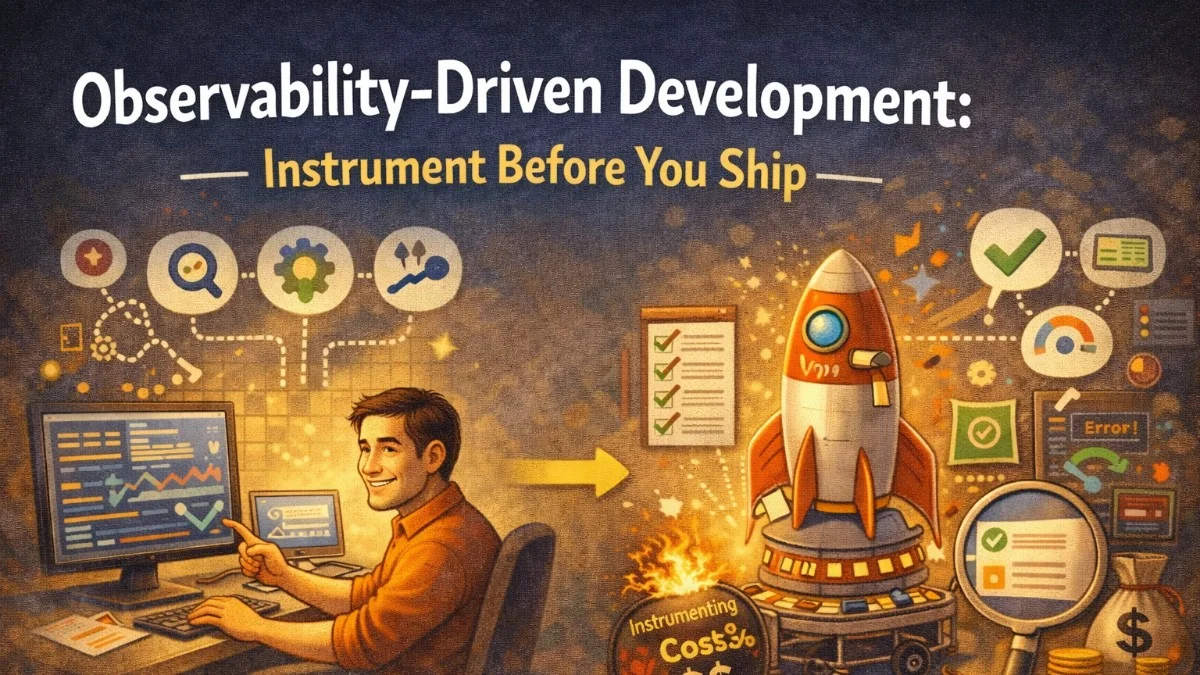
Observability-driven development (ODD) is the practice of treating instrumentation as a first-class deliverable, not an afterthought. Before a feature ships, you should be able to answer: Is this working? How fast is it? What's the failure rate? Who is affected?
What ODD Looks Like in Practice
In ODD, every feature comes with a definition of how you'll know it's working correctly in production. Before writing the first line of feature code, ask:
- What does success look like? (What metric goes up?)
- What does failure look like? (What metric goes up? What gets logged?)
- How do I know it's fast enough? (What latency are we measuring?)
- How do I investigate a failure? (What context will I need in the logs?)
Then instrument the code to provide those signals.
The Instrumentation Checklist
For every new feature or significant code path, work through this checklist before calling it done:
Metrics:
- Is there a counter for successful operations?
- Is there a counter for failed operations, labeled by failure type?
- Is there a histogram for operation duration?
- Do all metrics have a sensible label set (no unbounded cardinality)?
Logs:
- Does the happy path log at INFO when something significant happens?
- Does every failure log at ERROR with enough context to diagnose it?
- Do logs include IDs (user ID, entity ID, request ID) needed for investigation?
- Are there no secrets or PII in log output?
Traces:
- Does each significant operation have its own span?
- Do spans include relevant attributes (entity IDs, sizes, counts)?
- Are external calls (API, database, queue) traced?
Alerts:
- Is there an alert if the error rate exceeds a threshold?
- Is there an alert if the operation stops happening entirely (for scheduled work)?
- Do alerts link to a runbook?
Example: Instrumenting a New Feature End-to-End
Let's say you're building a PDF export feature. Here's what complete instrumentation looks like:
class PdfExportService
{
    public function __construct(
        private MetricsClient $metrics,
        private LoggerInterface $logger,
        private TracerInterface $tracer,
    ) {}

    public function export(Invoice $invoice, User $requester): ExportResult
    {
        $span = $this->tracer->spanBuilder('pdf_export')
            ->startSpan();

        $span->setAttributes([
            'invoice.id'      => $invoice->id,
            'invoice.total'   => $invoice->total,
            'requester.id'    => $requester->id,
            'requester.role'  => $requester->role,
        ]);

        $start = microtime(true);

        try {
            $this->logger->info('PDF export started', [
                'invoice_id'   => $invoice->id,
                'requester_id' => $requester->id,
                'line_items'   => $invoice->line_items->count(),
            ]);

            $result = $this->doExport($invoice);

            $duration = microtime(true) - $start;

            $this->metrics->histogram('pdf_export_duration_seconds', $duration, [
                'size_bucket' => $this->sizeBucket($result->pageCount),
            ]);

            $this->metrics->increment('pdf_export_total', [
                'status' => 'success',
            ]);

            $this->logger->info('PDF export completed', [
                'invoice_id'  => $invoice->id,
                'page_count'  => $result->pageCount,
                'file_size'   => $result->fileSizeBytes,
                'duration_ms' => round($duration * 1000),
            ]);

            $span->setStatus(StatusCode::STATUS_OK);
            $span->setAttributes([
                'export.page_count'    => $result->pageCount,
                'export.file_size_kb'  => intdiv($result->fileSizeBytes, 1024),
            ]);

            return $result;

        } catch (TemplateNotFoundException $e) {
            $this->recordFailure($span, $e, 'template_not_found', $invoice, $start);
            throw $e;

        } catch (RenderTimeoutException $e) {
            $this->recordFailure($span, $e, 'render_timeout', $invoice, $start);
            throw $e;

        } catch (\Exception $e) {
            $this->recordFailure($span, $e, 'unknown', $invoice, $start);
            throw $e;

        } finally {
            $span->end();
        }
    }

    private function recordFailure(
        SpanInterface $span,
        \Exception $e,
        string $errorType,
        Invoice $invoice,
        float $start
    ): void {
        $duration = microtime(true) - $start;

        $this->metrics->increment('pdf_export_total', [
            'status'     => 'failure',
            'error_type' => $errorType,
        ]);

        $this->logger->error('PDF export failed', [
            'invoice_id'  => $invoice->id,
            'error_type'  => $errorType,
            'error'       => $e->getMessage(),
            'duration_ms' => round($duration * 1000),
        ]);

        $span->recordException($e);
        $span->setStatus(StatusCode::STATUS_ERROR, $errorType);
    }
}
This is comprehensive but not excessive. Every signal serves a clear purpose.
Building the Dashboard Before Launch
Create the monitoring dashboard for the feature before shipping it to users. This forces you to think through what you need to monitor and catches gaps in instrumentation while you can still fix them in development.
For the PDF export feature, the dashboard should answer:
- What's the current PDF export success rate? (metric:
pdf_export_total{status="success"}/ total) - What's the P50 and P99 export duration? (histogram:
pdf_export_duration_seconds) - What are the most common failure types? (metric breakdown by
error_type) - Is the export volume tracking with invoice volume? (compare PDF exports to invoice views)
When you launch the feature, the dashboard is already ready. You watch it during the initial rollout to catch problems early.
Defining Alerts Before Launch
Write your alert rules before the feature goes live:
# Alert if PDF export success rate drops below 95%
- alert: PdfExportSuccessRateLow
  expr: |
    sum(rate(pdf_export_total{status="success"}[10m]))
    /
    sum(rate(pdf_export_total[10m]))
    < 0.95
  for: 5m
  labels:
    severity: high
    feature: pdf-export
  annotations:
    summary: "PDF export success rate is {{ humanizePercentage $value }}"
    runbook_url: "https://runbooks.internal/pdf-export"
    dashboard_url: "https://grafana.internal/d/pdf-export"

# Alert if the export stops happening entirely during business hours
- alert: PdfExportAbsent
  expr: |
    sum(rate(pdf_export_total[30m])) == 0
    and
    on() hour() >= 9 and hour() <= 17
  for: 10m
  labels:
    severity: critical
  annotations:
    summary: "PDF exports have stopped entirely during business hours"
The second alert catches a different failure mode: the feature silently stops working rather than having elevated errors. Without it, you'd only notice when a customer complained.
Writing the Runbook in Parallel
Write the runbook alongside the feature code. You already know what can go wrong (you just wrote the error handling); document how to diagnose it.
# PDF Export Feature - Runbook

## Verification
1. Check the PDF Export dashboard for error rate and volume
2. Check logs: `filter error_type EXISTS AND invoice_id EXISTS`
3. Try exporting an invoice manually from the admin panel

## Common Failure Modes

### template_not_found
The invoice template referenced by the invoice's template_id doesn't exist.
- Check: `Invoice::find($invoice_id)->template_id` exists in the templates table
- Fix: Assign a valid template or restore the missing template from backup

### render_timeout
The PDF renderer took more than the configured timeout (30s).
- Check: Are invoices with many line items timing out? (Check `line_items` field in logs)
- Fix: Increase timeout in config, or implement pagination for large invoices

### unknown
Unexpected error. Check the full exception in the error log.
- Look for the `error` field in the log entry for the root cause
Gradual Rollout and Observability
ODD pairs naturally with feature flags and gradual rollouts. Instead of shipping to 100% of users at once, roll out to 1% while watching your instrumentation:
// Feature flag controls rollout percentage
if (Features::active('pdf-export', $user)) {
    $result = $this->pdfExportService->export($invoice, $user);
} else {
    $result = $this->legacyExportService->export($invoice, $user);
}
With both paths instrumented, you can compare metrics between the new and old implementations and catch regressions before the full rollout.
The Culture Shift
ODD is as much a culture change as a technical one. It requires treating instrumentation as part of the definition of "done," not a nice-to-have.
In code review, ask:
- "How will we know this is working in production?"
- "What does a failure look like in the logs?"
- "Is there an alert for if this breaks?"
Include instrumentation in your pull request template:
## Observability
- [ ] Metrics added for success/failure/duration
- [ ] Logs include enough context for incident investigation
- [ ] Dashboard updated or created
- [ ] Alert rules added for critical failure modes
- [ ] Runbook written or updated
When the team agrees that a PR without adequate instrumentation is not ready to merge, ODD becomes the norm rather than the exception.
Practical Takeaways
- Define how you'll know a feature is working before writing code, not after an incident
- Instrument for success (counts, latency), failure (counts by type), and context (IDs for investigation)
- Build the monitoring dashboard before launch so you can watch the rollout in real time
- Write alert rules and runbooks in parallel with feature code
- Include an observability checklist in your PR template to make instrumentation part of "done"
- Use feature flags with dual instrumentation to safely compare new and old implementations
Need help building reliable systems? We help teams architect software that scales. scopeforged.com