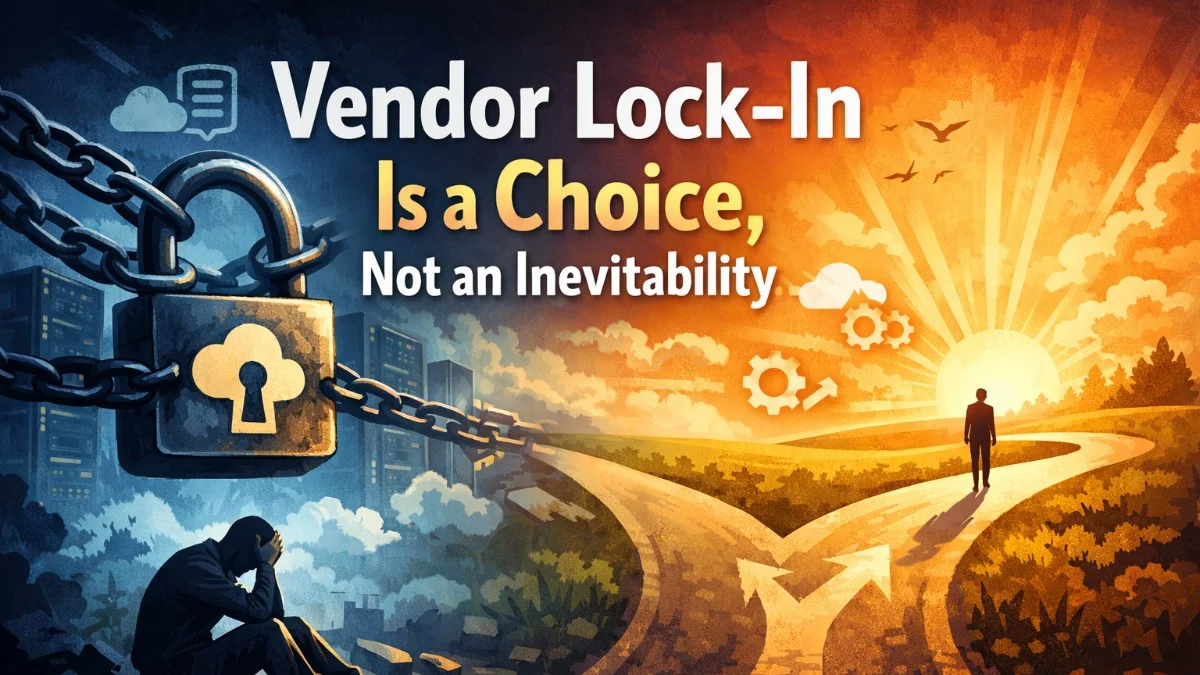
Vendor lock-in doesn't just happen.
It's built, decision by decision, over the course of a project.
And by the time you realize you're locked in, it's too expensive to leave.
But it doesn't have to be that way.
How Lock-In Happens
Lock-in is the accumulation of dependencies:
→ Your code is in the vendor's repo (not yours) → Your infrastructure is in their accounts (not yours) → They use proprietary frameworks (not standard ones) → Documentation doesn't exist (or it's incomplete) → Only they know how to deploy (no runbooks, no automation)
Each of these individually is manageable.
Together, they make leaving nearly impossible.
You're not locked in by contract. You're locked in by complexity.
The Cost of Being Locked In
When you can't leave, you lose leverage:
→ Prices can go up (what are you going to do, migrate?) → Timelines can slip (you need them more than they need you) → Quality can drop (where else are you going to go?) → Strategic control is gone (they hold the keys)
Lock-in isn't just inconvenient. It's strategic risk.
How to Avoid Lock-In
Prevention is simple. Do these things from day one:
1. Code Ownership From Day One
Your code lives in your repository.
Not the vendor's. Not a shared account.
Your GitHub/GitLab org. Your ownership.
2. Infrastructure in Your Accounts
Your AWS, Azure, or Google Cloud account.
Not the vendor's.
They can have access. But you own it.
3. Standard Technologies
No proprietary frameworks. No custom-built tools that only they understand.
Use Laravel, React, Node, Python—things any developer can work with.
4. Documentation as a Deliverable
Architecture. Deployment. Environment setup. Troubleshooting.
If it's not documented, it's not done.
5. Automated Deployment
One command to deploy. No manual processes. No tribal knowledge.
Anyone with access should be able to deploy confidently.
The Walk-Away Test
Can you walk away at any milestone and continue the project with a new team?
If the answer is "no," you're locked in.
If the answer is "yes, but it would be painful," you're partially locked in.
If the answer is "yes, easily," you're doing it right.
The goal isn't to leave. The goal is to have the option.
Optionality is power.
ScopeForged's Approach
Every ScopeForged project is built with the assumption that we might not be the long-term maintainer.
→ Code in the client's repo from day one → Infrastructure in the client's accounts → Standard, well-documented technologies → Automated deployment → Comprehensive handoff documentation
You should be able to walk away at any milestone.
If you can't, that's a red flag.
Are you locked in with your current vendor?
#SoftwareDevelopment #VendorLockIn #TechnologyStrategy #CodeOwnership #SoftwareConsulting
→ scopeforged.com
Philip Rehberger Founder, ScopeForged scopeforged.com