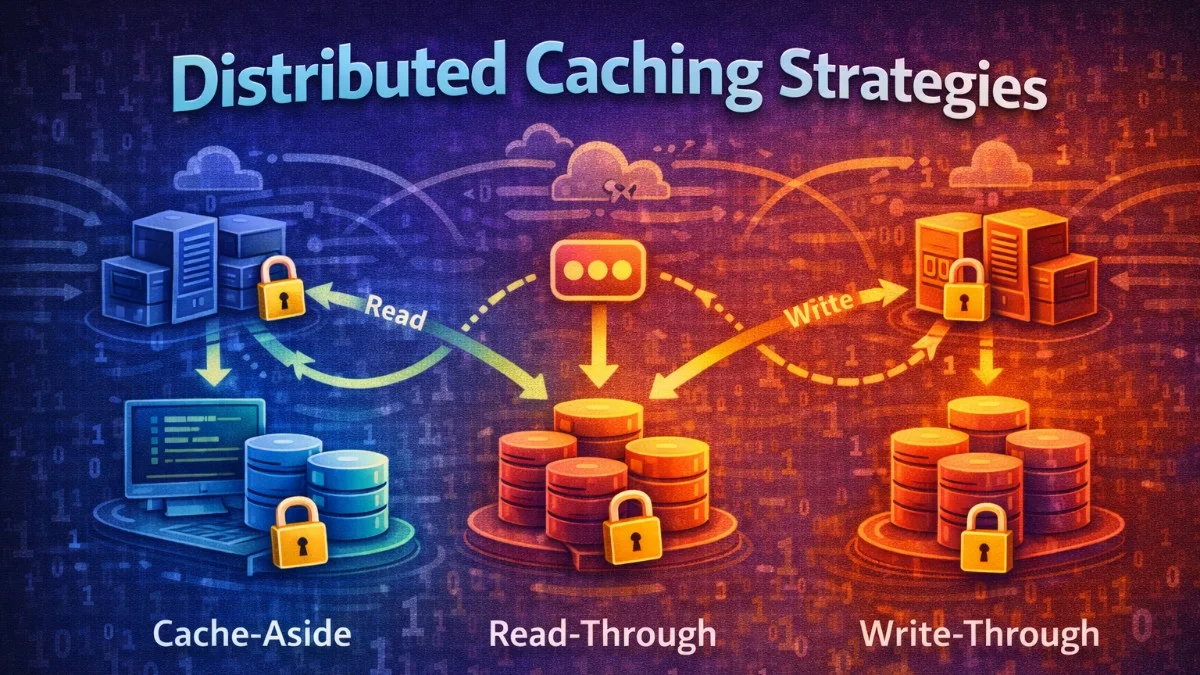
Caching improves performance by storing computed results for reuse. Distributed caching scales this across multiple nodes, essential for high-traffic applications. This guide covers strategies for building effective distributed caching layers.
Why Distributed Caching?
Local Cache Limitations
When you run multiple application servers with local caches, each server maintains its own cache state. This leads to redundant database queries and inconsistent data across servers. The following scenario illustrates the problem.
Server 1: Cache has User 123
Server 2: Cache miss for User 123 → DB query
Server 3: Cache miss for User 123 → DB query

Result: Inconsistent, wasteful
Distributed Cache Benefits
A distributed cache provides a shared data store accessible by all application servers. Every server benefits from cached data, regardless of which server originally cached it. This unified approach eliminates redundancy.
Server 1 ─┐
Server 2 ─┼─→ Redis Cluster ←─→ Database
Server 3 ─┘

All servers share the same cache
Cache Topologies
Single Node
The simplest topology uses a single Redis instance. This works well for development and smaller applications but lacks redundancy. This is where most teams start.
App Servers → Redis (single)
- Simple setup
- Single point of failure
- Limited memory
Master-Replica
Adding replicas provides read scaling and basic high availability. If the primary fails, you can promote a replica. This topology suits applications needing basic fault tolerance.
App Servers → Redis Primary
                   ↓
              Redis Replica 1
              Redis Replica 2
- Read scaling
- Failover capability
- Async replication lag
Redis Cluster
For large-scale applications, Redis Cluster distributes data across multiple shards, each with its own primary and replicas. Data is automatically partitioned using hash slots. This is the production topology for high-traffic applications.
              ┌─────────────────┐
              │  Redis Cluster  │
              ├─────────────────┤
App Servers → │ Shard 1 (0-5460)│
              │ Shard 2 (5461-10922)│
              │ Shard 3 (10923-16383)│
              └─────────────────┘
- Horizontal scaling
- Automatic sharding
- High availability
Caching Patterns
Cache-Aside (Lazy Loading)
Cache-aside is the most common pattern. Your application checks the cache first, and on a miss, queries the database and populates the cache. This approach only caches data that is actually accessed. Here is the implementation.
class UserRepository
{
    public function find(int $id): ?User
    {
        $cacheKey = "user:{$id}";

        // Try cache first
        $cached = Cache::get($cacheKey);
        if ($cached !== null) {
            return $cached;
        }

        // Cache miss - query database
        $user = User::find($id);

        if ($user) {
            Cache::put($cacheKey, $user, now()->addHours(1));
        }

        return $user;
    }
}
Pros: Only caches what's needed Cons: Cache miss penalty, potential stale data
Write-Through
With write-through caching, every write goes to both the database and the cache simultaneously. This keeps the cache fresh but adds latency to writes. You trade write performance for read consistency.
class UserRepository
{
    public function save(User $user): void
    {
        // Write to database
        $user->save();

        // Immediately update cache
        Cache::put("user:{$user->id}", $user, now()->addHours(1));
    }
}
Pros: Cache always fresh Cons: Write latency, unused data cached
Write-Behind (Write-Back)
Write-behind flips the write order: write to cache first, then asynchronously persist to the database. This provides fast writes at the cost of potential data loss. Use this pattern when write speed is critical.
class UserRepository
{
    public function save(User $user): void
    {
        // Write to cache immediately
        Cache::put("user:{$user->id}", $user, now()->addHours(1));

        // Queue database write
        dispatch(new PersistUserJob($user));
    }
}
Pros: Fast writes Cons: Data loss risk, complexity
Read-Through
Read-through caching moves the loading logic into the cache layer itself. The cache automatically loads missing data when requested, simplifying application code. You configure the loader once and the cache handles misses automatically.
// Cache handles loading automatically
$cache = new ReadThroughCache(
    store: Redis::connection(),
    loader: fn($key) => User::find(str_replace('user:', '', $key))
);

$user = $cache->get("user:123"); // Loads from DB if not cached
Cache Invalidation
Time-Based Expiration (TTL)
The simplest invalidation strategy is setting a time-to-live on cached items. After the TTL expires, the item is automatically removed. This approach requires no explicit invalidation logic.
// Simple TTL
Cache::put('user:123', $user, now()->addHours(1));

// Sliding expiration
Cache::put('session:abc', $data, now()->addMinutes(30));
// Reset TTL on each access
Event-Based Invalidation
For data that changes unpredictably, invalidate the cache when the underlying data changes. Eloquent observers are perfect for this pattern. The observer automatically removes stale cache entries.
// Model observer
class UserObserver
{
    public function updated(User $user): void
    {
        Cache::forget("user:{$user->id}");
        Cache::tags(['users'])->flush();
    }

    public function deleted(User $user): void
    {
        Cache::forget("user:{$user->id}");
    }
}
Version-Based Invalidation
Version-based invalidation uses a version number in cache keys. Incrementing the version effectively invalidates all old cached data without deleting it. This pattern avoids the cost of scanning and deleting many keys.
class CacheVersioning
{
    public function getUser(int $id): ?User
    {
        $version = Cache::get('users:version', 1);
        $key = "user:{$id}:v{$version}";

        return Cache::remember($key, 3600, fn() => User::find($id));
    }

    public function invalidateAllUsers(): void
    {
        Cache::increment('users:version');
        // Old versioned keys will naturally expire
    }
}
This approach is especially useful for bulk invalidation, as incrementing one key invalidates potentially millions of cached items.
Cache Tags
Tags let you group related cached items for bulk invalidation. This is powerful for hierarchical data where changing a parent should invalidate children. The following example shows how to use tags effectively.
// Tag related items
Cache::tags(['users', 'team:5'])->put("user:123", $user, 3600);
Cache::tags(['users', 'team:5'])->put("user:124", $user2, 3600);
Cache::tags(['posts', 'user:123'])->put("post:456", $post, 3600);

// Invalidate by tag
Cache::tags(['team:5'])->flush();  // Removes user:123, user:124
Cache::tags(['user:123'])->flush(); // Removes user:123, post:456
Note that cache tags require a backend that supports them, like Redis. File-based caches do not support tagging.
Redis Cluster Setup
Configuration
Configuring Laravel for Redis Cluster requires listing all cluster nodes. Laravel automatically handles cluster-aware commands. This configuration connects to a three-node cluster.
// config/database.php
'redis' => [
    'client' => env('REDIS_CLIENT', 'phpredis'),

    'clusters' => [
        'default' => [
            [
                'host' => env('REDIS_HOST_1', '127.0.0.1'),
                'port' => env('REDIS_PORT_1', 6379),
                'password' => env('REDIS_PASSWORD'),
            ],
            [
                'host' => env('REDIS_HOST_2', '127.0.0.1'),
                'port' => env('REDIS_PORT_2', 6380),
                'password' => env('REDIS_PASSWORD'),
            ],
            [
                'host' => env('REDIS_HOST_3', '127.0.0.1'),
                'port' => env('REDIS_PORT_3', 6381),
                'password' => env('REDIS_PASSWORD'),
            ],
        ],
    ],

    'options' => [
        'cluster' => env('REDIS_CLUSTER', 'redis'),
        'prefix' => env('REDIS_PREFIX', 'myapp:'),
    ],
],
Hash Tags for Co-location
In Redis Cluster, keys are distributed across shards based on their hash. If you need multiple keys on the same shard (for atomic operations or MGET), use hash tags. The curly braces define which part of the key determines the shard.
// Keys with same hash tag go to same shard
Cache::put('{user:123}:profile', $profile);
Cache::put('{user:123}:settings', $settings);
Cache::put('{user:123}:preferences', $preferences);

// All three keys on same shard - can use MGET
$data = Redis::mget([
    '{user:123}:profile',
    '{user:123}:settings',
    '{user:123}:preferences',
]);
The curly braces define the hash tag. Only the content inside the braces is hashed, ensuring all keys with the same tag end up on the same shard.
Consistency Patterns
Cache-Database Consistency
When updating both cache and database, use transactions to ensure consistency. If the database update fails, the cache should not be updated. This service wraps updates in a transaction.
class ConsistentCacheService
{
    public function updateUser(User $user, array $data): User
    {
        return DB::transaction(function () use ($user, $data) {
            // Update database
            $user->update($data);

            // Invalidate cache within transaction
            Cache::forget("user:{$user->id}");

            return $user->fresh();
        });
    }
}
Distributed Locks
When multiple processes might compute the same cache value simultaneously, use distributed locks to ensure only one process does the work. This service implements the lock-and-compute pattern.
class DistributedCacheService
{
    public function getOrCompute(string $key, Closure $compute, int $ttl = 3600)
    {
        $cached = Cache::get($key);
        if ($cached !== null) {
            return $cached;
        }

        // Acquire lock to prevent thundering herd
        $lock = Cache::lock("lock:{$key}", 10);

        if ($lock->get()) {
            try {
                // Double-check after acquiring lock
                $cached = Cache::get($key);
                if ($cached !== null) {
                    return $cached;
                }

                $value = $compute();
                Cache::put($key, $value, $ttl);
                return $value;
            } finally {
                $lock->release();
            }
        }

        // Couldn't get lock, wait and retry
        usleep(100000); // 100ms
        return $this->getOrCompute($key, $compute, $ttl);
    }
}
The double-check pattern is crucial: after acquiring the lock, another process might have already computed and cached the value.
Thundering Herd Prevention
Problem
When a popular cache key expires, many concurrent requests simultaneously experience a cache miss and all query the database at once. This can overwhelm your database with redundant queries.
Cache expires
→ 1000 concurrent requests
→ 1000 database queries
→ Database overload
Solutions
Locking (shown above)
Probabilistic Early Expiration:
This approach randomly refreshes the cache before it expires, spreading out the refresh load over time rather than concentrating it at expiration. As the TTL decreases, the probability of refresh increases.
class ProbabilisticCache
{
    public function get(string $key, Closure $compute, int $ttl = 3600)
    {
        $data = Cache::get($key);

        if ($data === null) {
            return $this->recompute($key, $compute, $ttl);
        }

        // Probabilistically refresh before expiration
        $remainingTtl = Cache::ttl($key);
        $delta = $ttl * 0.1; // 10% of TTL

        if ($remainingTtl < $delta && random_int(1, 100) <= 10) {
            // 10% chance to refresh early
            dispatch(fn() => $this->recompute($key, $compute, $ttl));
        }

        return $data;
    }
}
As the cache nears expiration, random requests trigger background refreshes. This probabilistically ensures the cache is refreshed before mass expiration.
Stale-While-Revalidate:
Return stale data immediately while refreshing in the background. Users get fast responses with slightly stale data rather than waiting for fresh data. This pattern prioritizes response time over freshness.
class StaleWhileRevalidateCache
{
    public function get(string $key, Closure $compute, int $ttl = 3600)
    {
        $data = Cache::get($key);
        $isStale = Cache::get("{$key}:stale");

        if ($data !== null) {
            if ($isStale && Cache::add("{$key}:refreshing", true, 60)) {
                // Refresh in background
                dispatch(fn() => $this->refresh($key, $compute, $ttl));
            }
            return $data; // Return stale data immediately
        }

        return $this->refresh($key, $compute, $ttl);
    }

    private function refresh(string $key, Closure $compute, int $ttl)
    {
        $value = $compute();
        Cache::put($key, $value, $ttl + 300); // Extra 5 min for stale
        Cache::put("{$key}:stale", false, $ttl);
        Cache::forget("{$key}:refreshing");
        return $value;
    }
}
The refreshing flag prevents multiple background refreshes from running simultaneously.
Monitoring
Key Metrics
Track cache hit rates to understand how effectively your cache is working. Low hit rates suggest you may need longer TTLs or different caching strategies. This class implements basic cache metrics.
// Track cache performance
class CacheMetrics
{
    public function recordHit(string $key): void
    {
        Redis::incr('metrics:cache:hits');
        Redis::incr("metrics:cache:hits:{$this->keyPrefix($key)}");
    }

    public function recordMiss(string $key): void
    {
        Redis::incr('metrics:cache:misses');
        Redis::incr("metrics:cache:misses:{$this->keyPrefix($key)}");
    }

    public function getHitRate(): float
    {
        $hits = (int) Redis::get('metrics:cache:hits');
        $misses = (int) Redis::get('metrics:cache:misses');
        $total = $hits + $misses;

        return $total > 0 ? ($hits / $total) * 100 : 0;
    }
}
Tracking metrics by key prefix helps identify which types of data benefit most from caching.
Redis INFO Stats
Redis provides built-in statistics about cache performance. Monitor these to understand your cache efficiency. You can query these stats from the command line.
redis-cli INFO stats
# keyspace_hits: 1234567
# keyspace_misses: 12345
# Hit rate = hits / (hits + misses)
A hit rate below 80% suggests your TTLs may be too short, or you are caching data that changes frequently.
Best Practices
- Set appropriate TTLs - Balance freshness vs. database load
- Use consistent key naming -
{type}:{id}:{attribute} - Implement cache warming - Pre-populate critical data
- Monitor hit rates - Target >90% for hot data
- Plan for cache failures - Application should work without cache
- Size your cluster - Monitor memory usage
- Use connection pooling - Reduce connection overhead
Conclusion
Distributed caching is essential for scalable applications. Choose the right topology based on your availability and scaling needs. Implement proper invalidation strategies to maintain consistency. Use patterns like locking and probabilistic refresh to prevent thundering herd. Monitor hit rates and adjust TTLs based on access patterns. The goal is reducing database load while maintaining data freshness.