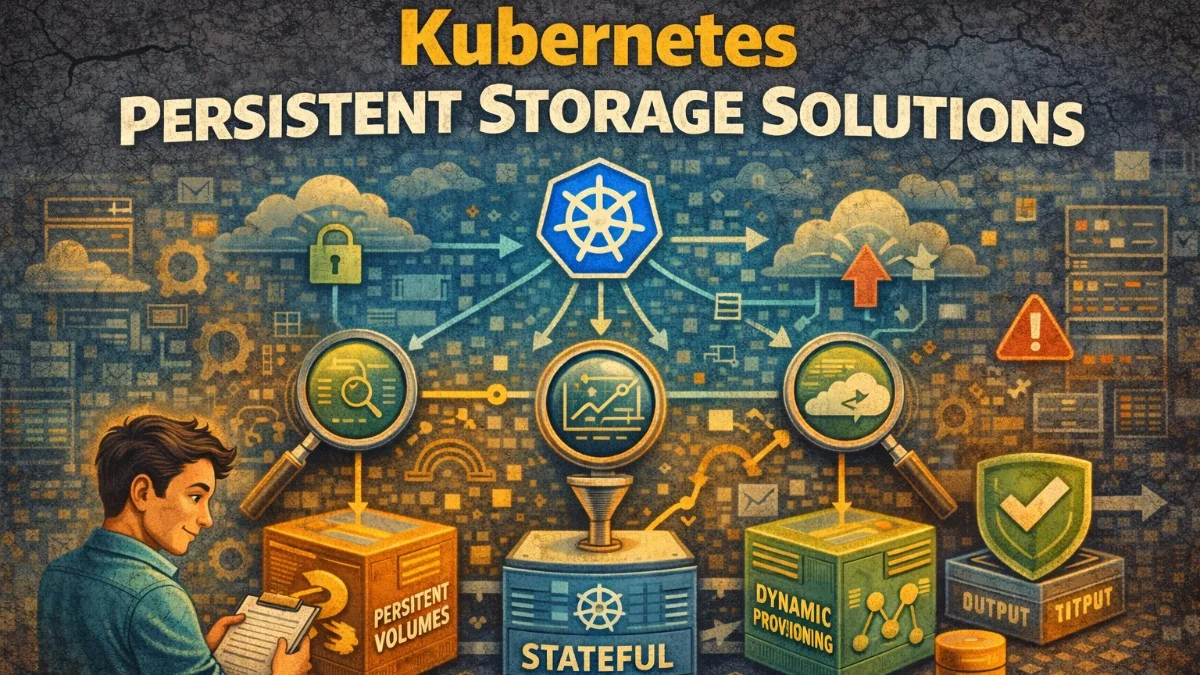
Kubernetes persistent storage enables stateful applications to store data that survives pod restarts and rescheduling. While containers are ephemeral by design, databases, file uploads, and session stores need durable storage. Understanding Kubernetes storage primitives helps you design reliable stateful workloads.
The storage abstraction layers—PersistentVolumes, PersistentVolumeClaims, and StorageClasses—separate storage provisioning from consumption. Developers request storage without knowing the underlying infrastructure. Administrators provision storage without knowing specific application needs. This separation enables portability and operational flexibility.
PersistentVolumes and Claims
PersistentVolumes (PV) represent storage resources in the cluster. They're provisioned by administrators or dynamically by StorageClasses. PersistentVolumeClaims (PVC) are requests for storage by users.
# Administrator-provisioned PersistentVolume
apiVersion: v1
kind: PersistentVolume
metadata:
  name: database-pv
spec:
  capacity:
    storage: 100Gi
  volumeMode: Filesystem
  accessModes:
    - ReadWriteOnce
  persistentVolumeReclaimPolicy: Retain
  storageClassName: fast-ssd
  csi:
    driver: ebs.csi.aws.com
    volumeHandle: vol-0123456789abcdef0
---
# User's PersistentVolumeClaim
apiVersion: v1
kind: PersistentVolumeClaim
metadata:
  name: database-storage
spec:
  accessModes:
    - ReadWriteOnce
  storageClassName: fast-ssd
  resources:
    requests:
      storage: 100Gi
Access modes define how volumes can be mounted:
ReadWriteOnce (RWO): Single node read-writeReadOnlyMany (ROX): Multiple nodes read-onlyReadWriteMany (RWX): Multiple nodes read-write
Most block storage (EBS, Persistent Disk) supports only RWO. Shared filesystems (EFS, NFS) support RWX.
StorageClasses and Dynamic Provisioning
StorageClasses enable dynamic volume provisioning. When a PVC references a StorageClass, Kubernetes automatically provisions appropriate storage.
# StorageClass for fast SSD storage
apiVersion: storage.k8s.io/v1
kind: StorageClass
metadata:
  name: fast-ssd
provisioner: ebs.csi.aws.com
parameters:
  type: gp3
  iops: "10000"
  throughput: "500"
  encrypted: "true"
  kmsKeyId: arn:aws:kms:us-east-1:123456789012:key/abcd1234
reclaimPolicy: Delete
allowVolumeExpansion: true
volumeBindingMode: WaitForFirstConsumer
---
# StorageClass for standard storage
apiVersion: storage.k8s.io/v1
kind: StorageClass
metadata:
  name: standard
  annotations:
    storageclass.kubernetes.io/is-default-class: "true"
provisioner: ebs.csi.aws.com
parameters:
  type: gp3
reclaimPolicy: Delete
allowVolumeExpansion: true
volumeBindingMode: WaitForFirstConsumer
WaitForFirstConsumer delays volume provisioning until a pod using the PVC is scheduled. This ensures the volume is created in the correct availability zone.
# PVC using dynamic provisioning
apiVersion: v1
kind: PersistentVolumeClaim
metadata:
  name: app-data
spec:
  accessModes:
    - ReadWriteOnce
  storageClassName: fast-ssd
  resources:
    requests:
      storage: 50Gi
StatefulSets for Stateful Applications
StatefulSets manage stateful applications with stable identities and persistent storage. Each pod gets a stable hostname and dedicated PVC.
apiVersion: apps/v1
kind: StatefulSet
metadata:
  name: postgres
spec:
  serviceName: postgres
  replicas: 3
  selector:
    matchLabels:
      app: postgres
  template:
    metadata:
      labels:
        app: postgres
    spec:
      containers:
        - name: postgres
          image: postgres:15
          ports:
            - containerPort: 5432
          volumeMounts:
            - name: data
              mountPath: /var/lib/postgresql/data
          env:
            - name: POSTGRES_PASSWORD
              valueFrom:
                secretKeyRef:
                  name: postgres-secret
                  key: password
  volumeClaimTemplates:
    - metadata:
        name: data
      spec:
        accessModes:
          - ReadWriteOnce
        storageClassName: fast-ssd
        resources:
          requests:
            storage: 100Gi
Each replica gets its own PVC (data-postgres-0, data-postgres-1, data-postgres-2). PVCs persist even when pods are deleted, enabling data recovery.
Volume Snapshots
Volume snapshots provide point-in-time copies for backup and cloning.
# VolumeSnapshotClass
apiVersion: snapshot.storage.k8s.io/v1
kind: VolumeSnapshotClass
metadata:
  name: ebs-snapshot-class
driver: ebs.csi.aws.com
deletionPolicy: Retain
---
# Create snapshot
apiVersion: snapshot.storage.k8s.io/v1
kind: VolumeSnapshot
metadata:
  name: database-snapshot-20240115
spec:
  volumeSnapshotClassName: ebs-snapshot-class
  source:
    persistentVolumeClaimName: database-storage
Restore from snapshot by creating a new PVC:
# Restore from snapshot
apiVersion: v1
kind: PersistentVolumeClaim
metadata:
  name: database-storage-restored
spec:
  accessModes:
    - ReadWriteOnce
  storageClassName: fast-ssd
  resources:
    requests:
      storage: 100Gi
  dataSource:
    name: database-snapshot-20240115
    kind: VolumeSnapshot
    apiGroup: snapshot.storage.k8s.io
Backup Strategies
Combine volume snapshots with application-consistent backups for reliable recovery.
// Coordinate backup with application
class DatabaseBackupService
{
    public function createBackup(): BackupRecord
    {
        // 1. Flush and lock tables for consistent snapshot
        DB::statement('FLUSH TABLES WITH READ LOCK');

        try {
            // 2. Trigger volume snapshot
            $snapshot = $this->createVolumeSnapshot();

            // 3. Record backup metadata
            return BackupRecord::create([
                'snapshot_name' => $snapshot->name,
                'timestamp' => now(),
                'database_position' => $this->getBinlogPosition(),
            ]);
        } finally {
            // 4. Release lock
            DB::statement('UNLOCK TABLES');
        }
    }

    private function createVolumeSnapshot(): VolumeSnapshot
    {
        return $this->kubernetes->create([
            'apiVersion' => 'snapshot.storage.k8s.io/v1',
            'kind' => 'VolumeSnapshot',
            'metadata' => [
                'name' => 'database-backup-' . now()->format('Ymd-His'),
            ],
            'spec' => [
                'volumeSnapshotClassName' => 'ebs-snapshot-class',
                'source' => [
                    'persistentVolumeClaimName' => 'database-storage',
                ],
            ],
        ]);
    }
}
Shared Storage
Applications needing shared storage across multiple pods require RWX-capable storage like NFS or cloud-native shared filesystems.
# EFS StorageClass for shared storage (AWS)
apiVersion: storage.k8s.io/v1
kind: StorageClass
metadata:
  name: efs-shared
provisioner: efs.csi.aws.com
parameters:
  provisioningMode: efs-ap
  fileSystemId: fs-0123456789abcdef0
  directoryPerms: "755"
  gidRangeStart: "1000"
  gidRangeEnd: "2000"
---
# Shared PVC
apiVersion: v1
kind: PersistentVolumeClaim
metadata:
  name: shared-uploads
spec:
  accessModes:
    - ReadWriteMany
  storageClassName: efs-shared
  resources:
    requests:
      storage: 100Gi
---
# Deployment using shared storage
apiVersion: apps/v1
kind: Deployment
metadata:
  name: api
spec:
  replicas: 3
  template:
    spec:
      containers:
        - name: api
          image: myapp/api
          volumeMounts:
            - name: uploads
              mountPath: /var/uploads
      volumes:
        - name: uploads
          persistentVolumeClaim:
            claimName: shared-uploads
Local Persistent Volumes
Local volumes use directly-attached storage for performance-sensitive workloads. They're faster than network-attached storage but tied to specific nodes.
# StorageClass for local volumes
apiVersion: storage.k8s.io/v1
kind: StorageClass
metadata:
  name: local-storage
provisioner: kubernetes.io/no-provisioner
volumeBindingMode: WaitForFirstConsumer
---
# PersistentVolume on specific node
apiVersion: v1
kind: PersistentVolume
metadata:
  name: local-pv-node1
spec:
  capacity:
    storage: 500Gi
  volumeMode: Filesystem
  accessModes:
    - ReadWriteOnce
  persistentVolumeReclaimPolicy: Retain
  storageClassName: local-storage
  local:
    path: /mnt/disks/ssd1
  nodeAffinity:
    required:
      nodeSelectorTerms:
        - matchExpressions:
            - key: kubernetes.io/hostname
              operator: In
              values:
                - node1.example.com
Local volumes don't survive node failures. Use them with applications that handle replication (databases with replicas, distributed storage systems).
Volume Expansion
Expand volumes without downtime when storage needs grow:
# Ensure StorageClass allows expansion
apiVersion: storage.k8s.io/v1
kind: StorageClass
metadata:
  name: expandable
allowVolumeExpansion: true
# ... other config
# Expand PVC
kubectl patch pvc database-storage -p '{"spec":{"resources":{"requests":{"storage":"200Gi"}}}}'
Some storage drivers require pod restart to complete expansion. Others expand online. Check driver documentation.
Monitoring Storage
Monitor storage capacity, performance, and health:
# Prometheus alerts for storage
groups:
  - name: storage
    rules:
      - alert: PVCAlmostFull
        expr: |
          kubelet_volume_stats_available_bytes / kubelet_volume_stats_capacity_bytes < 0.1
        for: 5m
        labels:
          severity: warning
        annotations:
          summary: "PVC {{ $labels.persistentvolumeclaim }} almost full"

      - alert: PVCExpansionFailed
        expr: kube_persistentvolumeclaim_status_condition{condition="Resizing"} == 1
        for: 1h
        labels:
          severity: warning
        annotations:
          summary: "PVC expansion stuck for {{ $labels.persistentvolumeclaim }}"
Conclusion
Kubernetes persistent storage enables stateful workloads through PersistentVolumes and PersistentVolumeClaims. StorageClasses automate provisioning with appropriate characteristics. StatefulSets manage stateful applications with stable identities and dedicated storage.
Choose storage types based on workload requirements: block storage for databases, shared filesystems for multi-pod access, local volumes for maximum performance. Implement backup strategies using volume snapshots. Monitor storage capacity to prevent outages from full volumes.