Why You Need SLOs
Without SLOs, reliability discussions are vague. "The site needs to be reliable" means nothing actionable. "We need 99.9% availability" is a number, but it doesn't say what availability means, how it's measured, or what happens when you miss it.
SLOs create a shared language between engineering and the business for talking about reliability. They answer: "How reliable do we need to be, and what does it cost us to get there?"
Service Level Indicators (SLIs)
An SLI is a quantitative measure of some aspect of the service you provide. It's a ratio: the proportion of events that are "good" out of all events.
Common SLIs:
Availability: Proportion of requests that receive a successful response (non-5xx).
Availability SLI = successful_requests / total_requests
Latency: Proportion of requests that complete faster than a threshold.
Latency SLI = requests_under_200ms / total_requests
Quality: Proportion of requests that return correct results (not degraded/cached/partial).
Freshness: Proportion of reads that see data less than N minutes old.
Choose SLIs that directly measure user experience. "CPU utilization" is not an SLI—users don't experience CPU. "Invoice generation success rate" is an SLI—users definitely experience invoice generation failures.
Service Level Objectives (SLOs)
An SLO is a target value for an SLI over a measurement window. SLOs have two components: the target and the window.
SLO: 99.9% of requests succeed over a rolling 30-day window
This means: in any 30-day period, fewer than 0.1% of requests can fail.
Defining your first SLOs:
Start by measuring your current SLIs. Don't set an SLO lower than your current performance—that's not a target, it's a floor. But also don't set an SLO higher than you need to; over-engineering reliability is expensive.
For a typical B2B SaaS application:
| SLI | SLO Target | Window |
|---|---|---|
| Availability | 99.9% | 30 days |
| P99 latency < 1s | 95% | 30 days |
| Invoice generation success | 99.5% | 30 days |
| Email delivery success | 98% | 30 days |
Different features deserve different SLOs. Your payment API warrants higher reliability than your report export endpoint.
Error Budgets: The Practical Magic
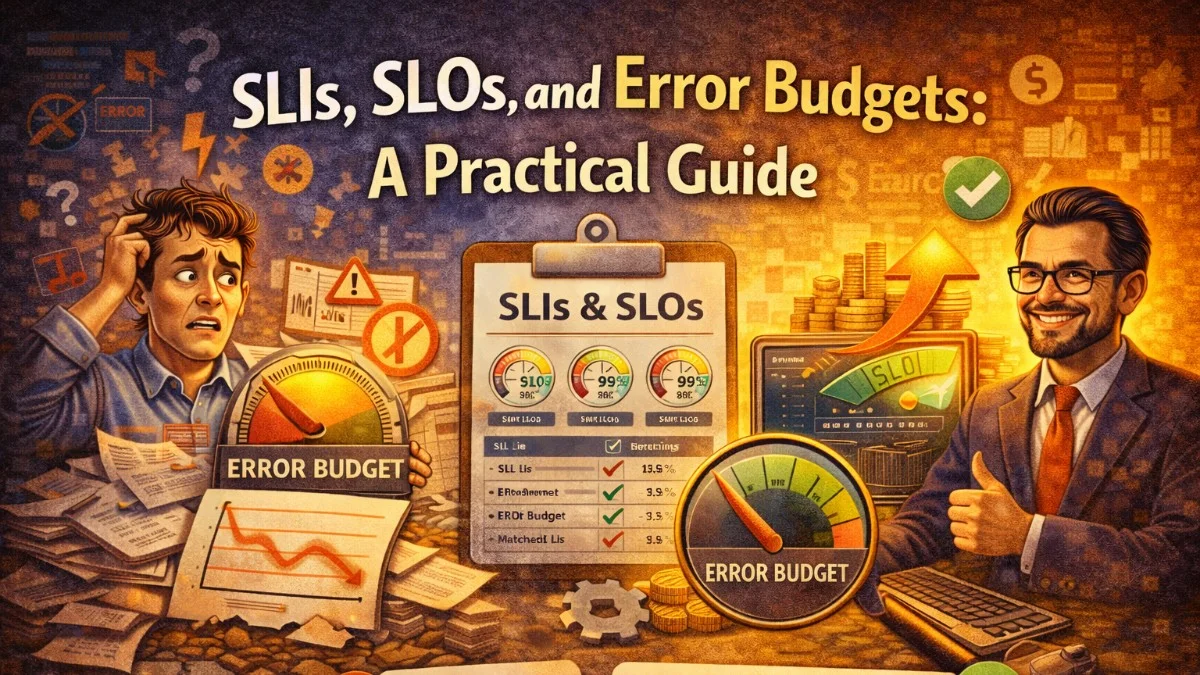
An error budget is the maximum amount of downtime or failure permitted by your SLO.
For a 99.9% availability SLO over 30 days:
Error budget = (1 - 0.999) * 30 days * 24 hours * 60 minutes
Error budget = 0.001 * 43,200 minutes
Error budget = 43.2 minutes per month
You can fail for 43.2 minutes per month and still meet your SLO. That's your error budget.
Error budgets transform the reliability conversation from "we need zero downtime" (impossible) to "we have 43 minutes of failure budget this month—how do we want to spend it?"
How error budgets change behavior:
When the error budget is healthy (most of it remaining), you can afford risk: deploy more features, run experiments, upgrade infrastructure. The data tells you there's room.
When the error budget is nearly exhausted, you slow down: fewer deployments, focus on stability improvements, root cause analysis on recent incidents.
This is objective. It removes the political tension between "we need to ship features" and "we need to be stable." Both are true; the error budget quantifies the tradeoff.
Implementing SLI Measurement in Practice
In Prometheus, measure your availability SLI:
# Define a recording rule for the SLI
groups:
  - name: sli_rules
    interval: 1m
    rules:
      # Count successful requests
      - record: sli:http_requests:success_rate1h
        expr: |
          sum(rate(http_requests_total{status!~"5.."}[1h]))
          /
          sum(rate(http_requests_total[1h]))

      # Count fast requests (latency SLI)
      - record: sli:http_request_duration:fast_rate1h
        expr: |
          sum(rate(http_request_duration_bucket{le="0.2"}[1h]))
          /
          sum(rate(http_request_duration_count[1h]))
Calculate your 30-day error budget consumption:
# Error budget consumed (%)
1 - (
  sum(rate(http_requests_total{status!~"5.."}[30d]))
  /
  sum(rate(http_requests_total[30d]))
) / (1 - 0.999)
When this value approaches 1.0 (100%), you've consumed your entire error budget.
In Laravel: Application-Level SLI Tracking
For application-specific SLIs (invoice generation, email delivery), emit custom metrics:
class InvoiceGenerationService
{
    public function generate(Invoice $invoice): GeneratedInvoice
    {
        $start = microtime(true);

        try {
            $result = $this->doGenerate($invoice);

            // Increment success counter
            app(MetricsClient::class)->increment('invoice_generation_total', [
                'status' => 'success',
            ]);

            app(MetricsClient::class)->histogram(
                'invoice_generation_duration_seconds',
                microtime(true) - $start
            );

            return $result;

        } catch (\Exception $e) {
            // Increment failure counter
            app(MetricsClient::class)->increment('invoice_generation_total', [
                'status'     => 'failure',
                'error_type' => get_class($e),
            ]);

            throw $e;
        }
    }
}
Your SLI for invoice generation:
sum(rate(invoice_generation_total{status="success"}[30d]))
/
sum(rate(invoice_generation_total[30d]))
Burn Rate Alerts
Simple threshold alerts on SLI values aren't ideal for error budget management. Burn rate alerts tell you how quickly you're consuming your budget, enabling faster response.
A 1x burn rate means you'll exactly consume your budget at the end of the window. A 14.4x burn rate means you'll consume it in 1/14.4 of the window (about 2 days for a 30-day window).
# Alert at different burn rates for different urgencies
- alert: ErrorBudgetBurnRateCritical
  expr: |
    (
      1 - sum(rate(http_requests_total{status!~"5.."}[1h]))
          / sum(rate(http_requests_total[1h]))
    ) / (1 - 0.999) > 14.4
  for: 2m
  labels:
    severity: critical
  annotations:
    summary: "Error budget burning at 14x rate - exhausted in 2 days"

- alert: ErrorBudgetBurnRateHigh
  expr: |
    (
      1 - sum(rate(http_requests_total{status!~"5.."}[6h]))
          / sum(rate(http_requests_total[6h]))
    ) / (1 - 0.999) > 6
  for: 15m
  labels:
    severity: high
  annotations:
    summary: "Error budget burning at 6x rate - exhausted in ~5 days"
Service Level Agreements (SLAs) vs SLOs
SLAs are commitments to customers with contractual consequences. SLOs are internal targets. The relationship matters:
SLO should be stricter than SLA. If your SLA promises 99.5% availability, your SLO should target 99.9%. This gives you an internal buffer—your SLO alerts fire before you breach the SLA, giving you time to respond.
SLO (internal target): 99.9% availability
SLA (customer commitment): 99.5% availability
Buffer: 0.4% = ~3 extra hours of incident budget per month
Never set your SLO equal to your SLA. You'll be in constant SLA breach discussions.
Building an SLO Dashboard
Your SLO dashboard should show at a glance:
- Current SLI value vs. target
- Error budget remaining (as percentage and absolute time)
- Error budget burn rate (last 1h, 6h, 24h)
- Historical SLI trend (last 30 days)
In Grafana, create a dashboard with these panels for each of your SLOs. Display the error budget remaining prominently so on-call engineers and engineering managers can see the reliability health of the system without digging into metrics.
Starting Small
Don't try to define SLOs for every endpoint on day one. Start with:
- Pick one critical user journey (login, payment, your core feature)
- Define the SLI (usually availability + latency)
- Measure your current performance for 2-4 weeks
- Set an SLO based on what you observed, minus a small buffer
- Build error budget dashboards and burn rate alerts
- Run your first error budget review meeting
SLOs are most valuable when they change behavior. If the error budget dashboard doesn't influence deployment decisions or sprint planning, the SLO is just a number.
Practical Takeaways
- SLIs measure user-facing behavior as a ratio of good events to total events
- SLOs are targets for SLIs over a time window; start with what you can actually measure
- Error budgets quantify acceptable risk and resolve the tension between shipping features and maintaining stability
- Use burn rate alerts instead of threshold alerts to detect fast-moving incidents early
- Set internal SLOs stricter than external SLAs to maintain a buffer
- Review error budget consumption in sprint planning to make reliability-feature tradeoffs explicit
Need help building reliable systems? We help teams architect software that scales. scopeforged.com