The Problem with Unstructured Logs
Here's a typical unstructured log line:
[2026-03-05 14:23:41] production.ERROR: Payment failed for user 4821 - charge amount $249.00 - gateway error: insufficient funds
This reads fine to a human. But try to answer these questions from a week of logs like this:
- How many payment failures occurred in the last 24 hours?
- What's the average charge amount for failed payments?
- Which users had more than three failures this month?
- Is the failure rate increasing or decreasing?
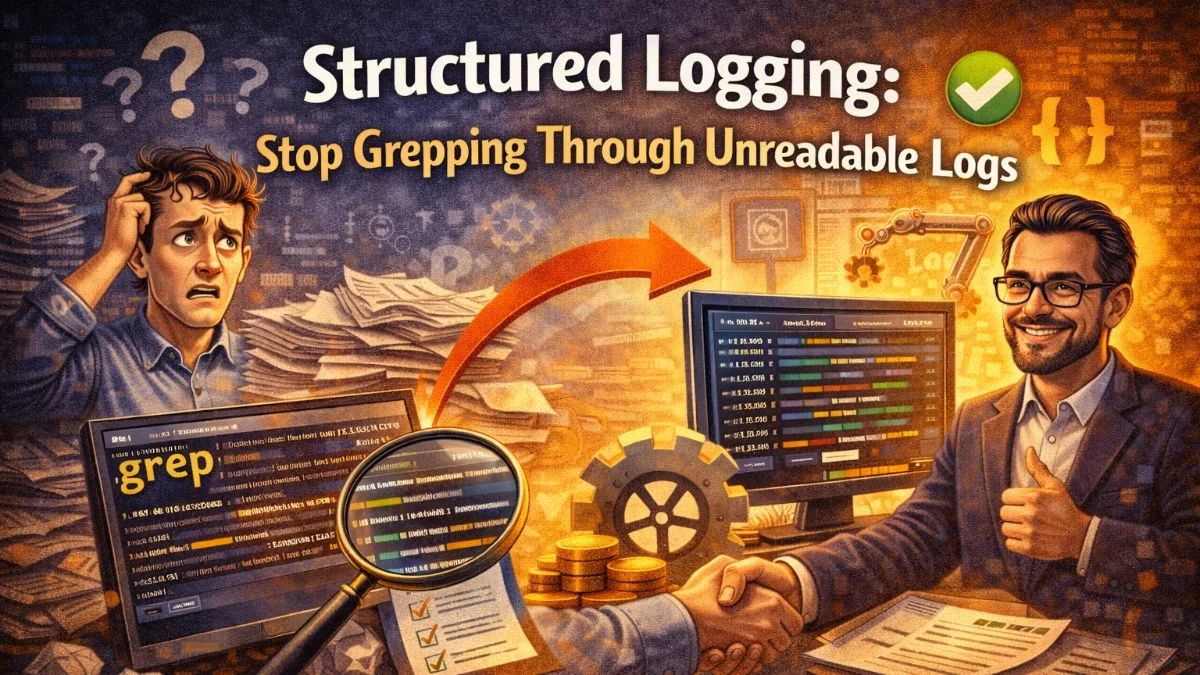
You'd need to write a grep pipeline, then awk, then maybe a Python script. And you'd need to do it again next time. Every insight requires custom parsing.
Structured logging treats each log entry as a data record with typed, named fields. Instead of a string to parse, you emit JSON. Instead of grepping, you query.
What Structured Logs Look Like
The same event, structured:
{
    "timestamp": "2026-03-05T14:23:41.000Z",
    "level": "error",
    "message": "Payment failed",
    "user_id": 4821,
    "amount_cents": 24900,
    "currency": "USD",
    "gateway": "stripe",
    "error_code": "insufficient_funds",
    "attempt_number": 1,
    "request_id": "req_a8f3bc91",
    "service": "billing",
    "environment": "production"
}
Now answering those questions is trivial. Your log aggregation tool (Datadog, CloudWatch, Grafana Loki, Elasticsearch) can filter by error_code, aggregate by user_id, calculate averages of amount_cents, and chart failure rates over time without custom parsers.
Implementing Structured Logging in Laravel
Laravel uses Monolog under the hood, which supports structured context natively. Configure a JSON formatter in your config/logging.php:
'channels' => [
    'json' => [
        'driver'    => 'monolog',
        'handler'   => StreamHandler::class,
        'formatter' => JsonFormatter::class,
        'with' => [
            'stream' => storage_path('logs/laravel.log'),
        ],
    ],
],
Then log with context:
Log::error('Payment failed', [
    'user_id'        => $user->id,
    'amount_cents'   => $charge->amount,
    'currency'       => $charge->currency,
    'gateway'        => 'stripe',
    'error_code'     => $exception->getStripeCode(),
    'attempt_number' => $attemptNumber,
]);
Every key-value pair in the context array becomes a field in your JSON log entry.
Log Levels: Using Them Correctly
Log levels communicate severity. Using them correctly lets you filter noise in production and alert on the right things.
| Level | When to Use |
|---|---|
DEBUG |
Detailed diagnostic info; usually off in production |
INFO |
Significant events in normal operation (user logged in, invoice sent) |
NOTICE |
Normal but noteworthy conditions (deprecated API used, slow query) |
WARNING |
Something unexpected happened but the system handled it (retry succeeded, fallback used) |
ERROR |
Something failed and requires attention (payment failed, API error) |
CRITICAL |
Severe failures that impact system operation (database unreachable) |
ALERT |
Immediate action required (data corruption, security breach) |
EMERGENCY |
System is unusable |
The most common mistake is logging everything at INFO. If everything is equally important, nothing is important. INFO logs should be infrequent enough that you could read them all in a post-incident review.
Contextual Logging with Log Context
Adding the same fields (user ID, request ID, tenant ID) to every log call is tedious and error-prone. Laravel's Log::withContext() and Monolog's processors solve this by injecting fields automatically.
Create a middleware that adds request context to all logs:
class LogContextMiddleware
{
    public function handle(Request $request, Closure $next): Response
    {
        // These fields appear in every log entry for this request
        Log::withContext([
            'request_id'  => $request->header('X-Request-ID', Str::uuid()),
            'user_id'     => $request->user()?->id,
            'ip'          => $request->ip(),
            'method'      => $request->method(),
            'path'        => $request->path(),
            'user_agent'  => $request->userAgent(),
        ]);

        return $next($request);
    }
}
Now every log entry in that request automatically includes the request ID and user ID—without any code changes in the services that generate those logs.
What to Log
Log at key decision points and boundaries:
Service entry and exit:
public function processInvoice(Invoice $invoice): InvoiceResult
{
    Log::info('Processing invoice', [
        'invoice_id' => $invoice->id,
        'client_id'  => $invoice->client_id,
        'total'      => $invoice->total,
    ]);

    // ... processing logic

    Log::info('Invoice processed successfully', [
        'invoice_id'   => $invoice->id,
        'duration_ms'  => $timer->elapsed(),
        'line_items'   => $result->lineItemCount,
    ]);

    return $result;
}
External API calls:
Log::debug('Calling Stripe API', [
    'endpoint'    => 'charges',
    'amount'      => $amount,
    'customer_id' => $stripeCustomerId,
]);

$response = $this->stripe->charges->create($params);

Log::debug('Stripe API response', [
    'charge_id' => $response->id,
    'status'    => $response->status,
    'duration'  => $timer->elapsed(),
]);
Business events (these are the high-signal events worth logging at INFO):
Log::info('Invoice paid', [
    'invoice_id'     => $invoice->id,
    'client_id'      => $invoice->client_id,
    'amount'         => $invoice->total,
    'payment_method' => $payment->method,
]);
What Not to Log
Avoid logging:
- PII without scrubbing: Email addresses, names, addresses in log files create compliance and security risks
- Secrets: Never log API keys, passwords, tokens—even partially
- Large payloads: Don't log full request/response bodies; log identifiers and sizes instead
- High-frequency events: Logging every cache hit or database query at DEBUG creates volume that's expensive to store
Scrub sensitive fields before logging:
Log::info('User profile updated', [
    'user_id'        => $user->id,
    'fields_changed' => array_keys($changes),  // Which fields, not what values
    'has_email'      => isset($changes['email']),  // Boolean, not the value
]);
Correlation IDs for Request Tracing
A correlation ID (or request ID, trace ID) is a unique identifier that follows a request through every service it touches. Without it, debugging a multi-step workflow means piecing together logs from different places manually.
Generate or propagate a correlation ID at the edge:
class CorrelationIdMiddleware
{
    public function handle(Request $request, Closure $next): Response
    {
        $correlationId = $request->header('X-Correlation-ID') ?? Str::uuid()->toString();

        // Add to response headers so the client can reference it
        $response = $next($request);
        $response->headers->set('X-Correlation-ID', $correlationId);

        // Store for use throughout this request
        app()->instance('correlation.id', $correlationId);
        Log::withContext(['correlation_id' => $correlationId]);

        return $response;
    }
}
When you call downstream services, pass the ID along:
Http::withHeaders([
    'X-Correlation-ID' => app('correlation.id'),
])->post('https://notifications.internal/send', $payload);
Now a single correlation ID lets you find every log entry for a request across every service that handled it.
Log Sampling for High-Volume Events
Some events are too frequent to log every occurrence. A busy API might process 10,000 requests per second; logging every request at INFO is prohibitively expensive.
Sample high-frequency events:
// Log 1% of successful API requests; log 100% of failures
if ($response->failed() || random_int(1, 100) === 1) {
    Log::info('API request completed', [
        'endpoint'    => $endpoint,
        'status_code' => $response->status(),
        'duration_ms' => $duration,
        'sampled'     => !$response->failed(),
    ]);
}
Mark sampled logs with a field so your analytics can account for the sampling rate.
Choosing a Log Aggregation Stack
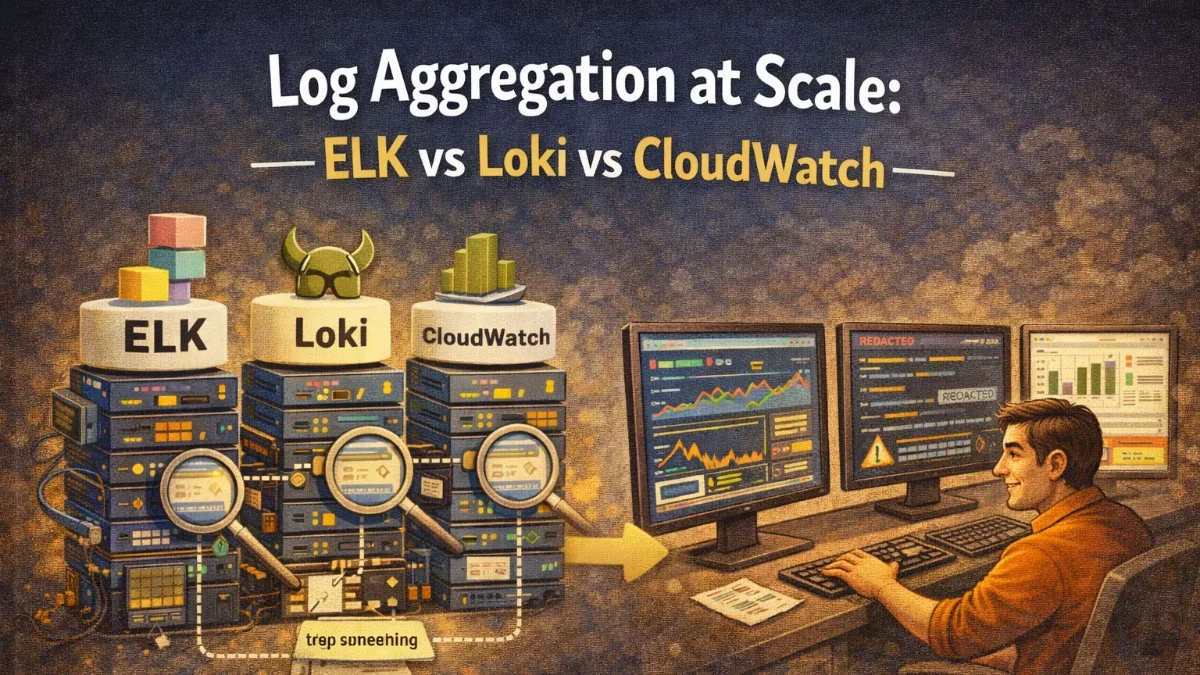
Structured logs need a destination that can query them. Common choices:
Datadog Logs: Best-in-class UI, powerful query language, integrates with metrics and traces. Expensive at scale.
Grafana Loki: Open source, cost-effective, designed for label-based log querying. Excellent if you're already using Prometheus and Grafana.
AWS CloudWatch Logs: Native AWS integration, reasonable for moderate volumes, Log Insights is capable. Gets expensive at high volume.
Elasticsearch (ELK stack): Full-text search, powerful aggregations, high operational cost to self-host. Managed OpenSearch on AWS reduces this.
For most Laravel applications on AWS, CloudWatch Logs is the pragmatic starting point. For teams with heavy observability needs, Datadog or the Grafana stack (Loki + Grafana) provide more power.
Practical Takeaways
- Structure every log as JSON with typed fields; avoid concatenating strings
- Use
Log::withContext()middleware to add request ID, user ID, and other shared fields automatically - Use log levels deliberately;
INFOshould be infrequent enough to read in a post-incident review - Generate correlation IDs at the edge and propagate them to downstream services
- Scrub PII and secrets before logging; log identifiers and booleans instead of values
- Sample high-frequency events; don't log every request in a high-throughput system
Need help building reliable systems? We help teams architect software that scales. scopeforged.com